
DRAFT · 16:9
techSafe-area verified
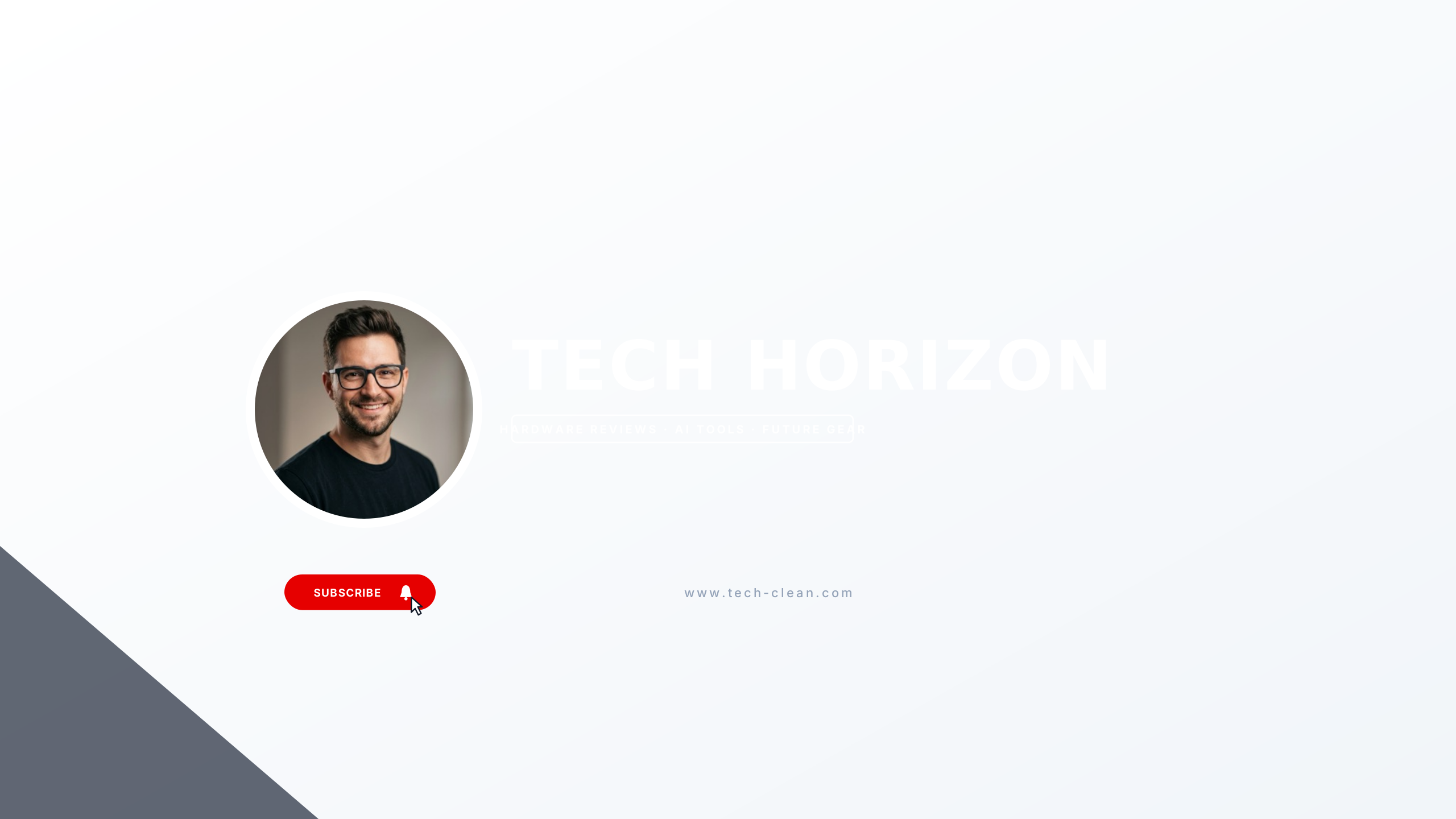
Silicon Pure
Clean consumer tech review layout with frosted backplate and avatar slot.
Editable:TitleTaglineAvatarGradient
Engineered for software developers, hardware reviewers, and tech educators. Clean terminal prompts, monospace accents, and disciplined visual hierarchies that present your publishing cadence and technical focus clearly across desktop and smartphone viewports.
Select a design to open the Banner Maker with preset typography and safe boundaries.
Clean consumer tech review layout with frosted backplate and avatar slot.
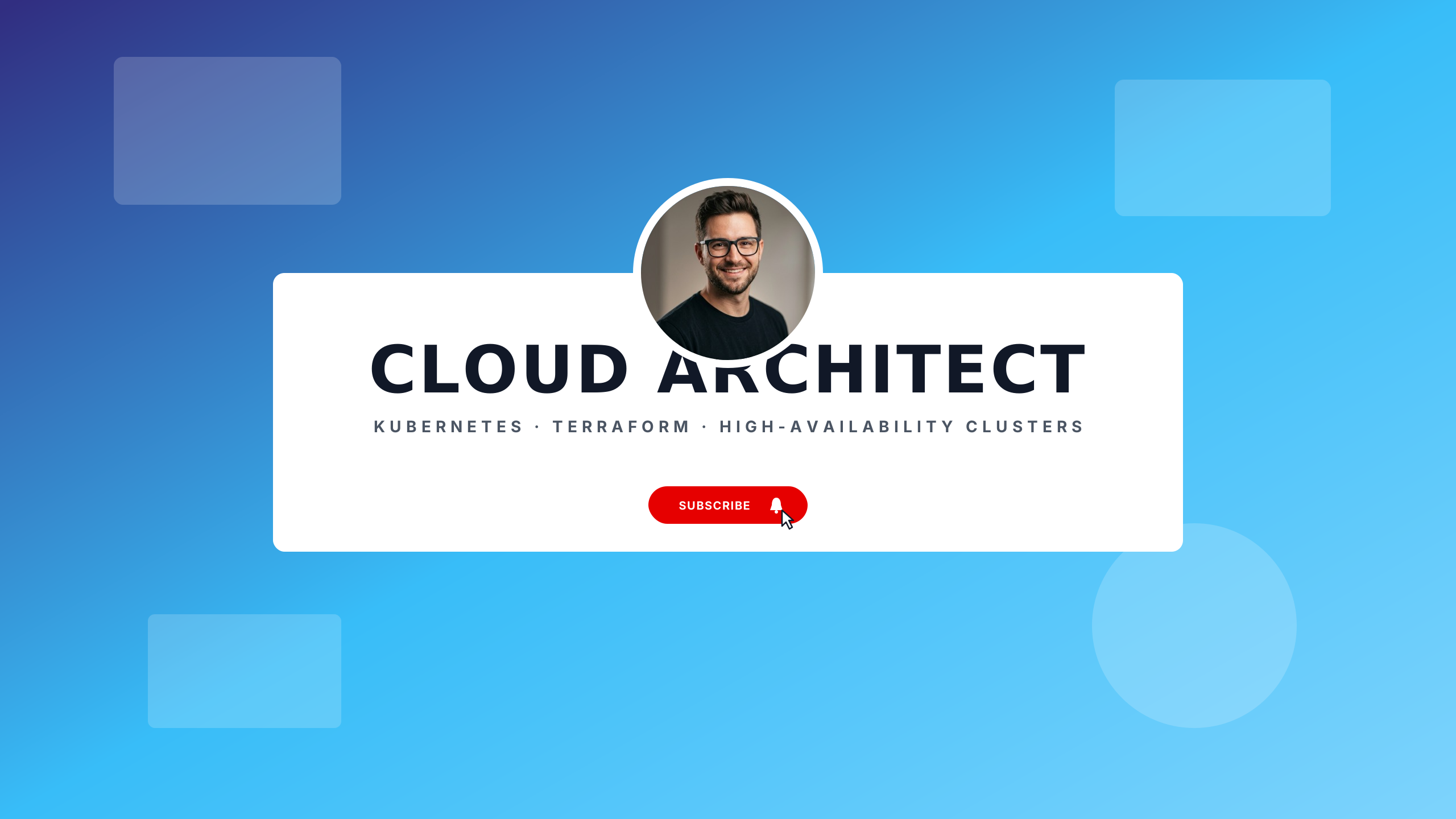
Enterprise Azure blue and graphite for DevOps engineers, Kubernetes, and cloud architects.
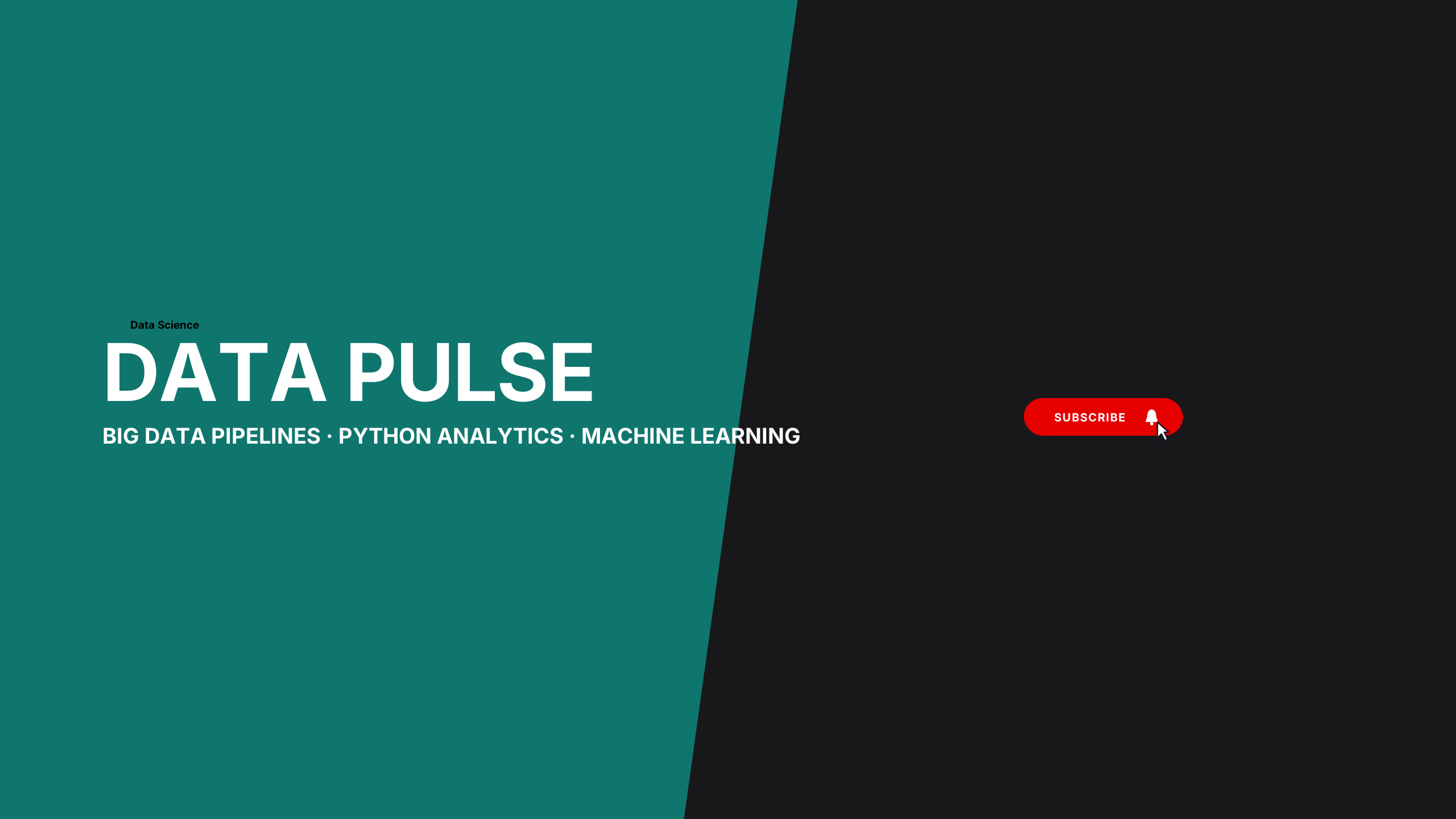
Teal and deep navy telemetry for data analysts, Python developers, and statistical modeling.
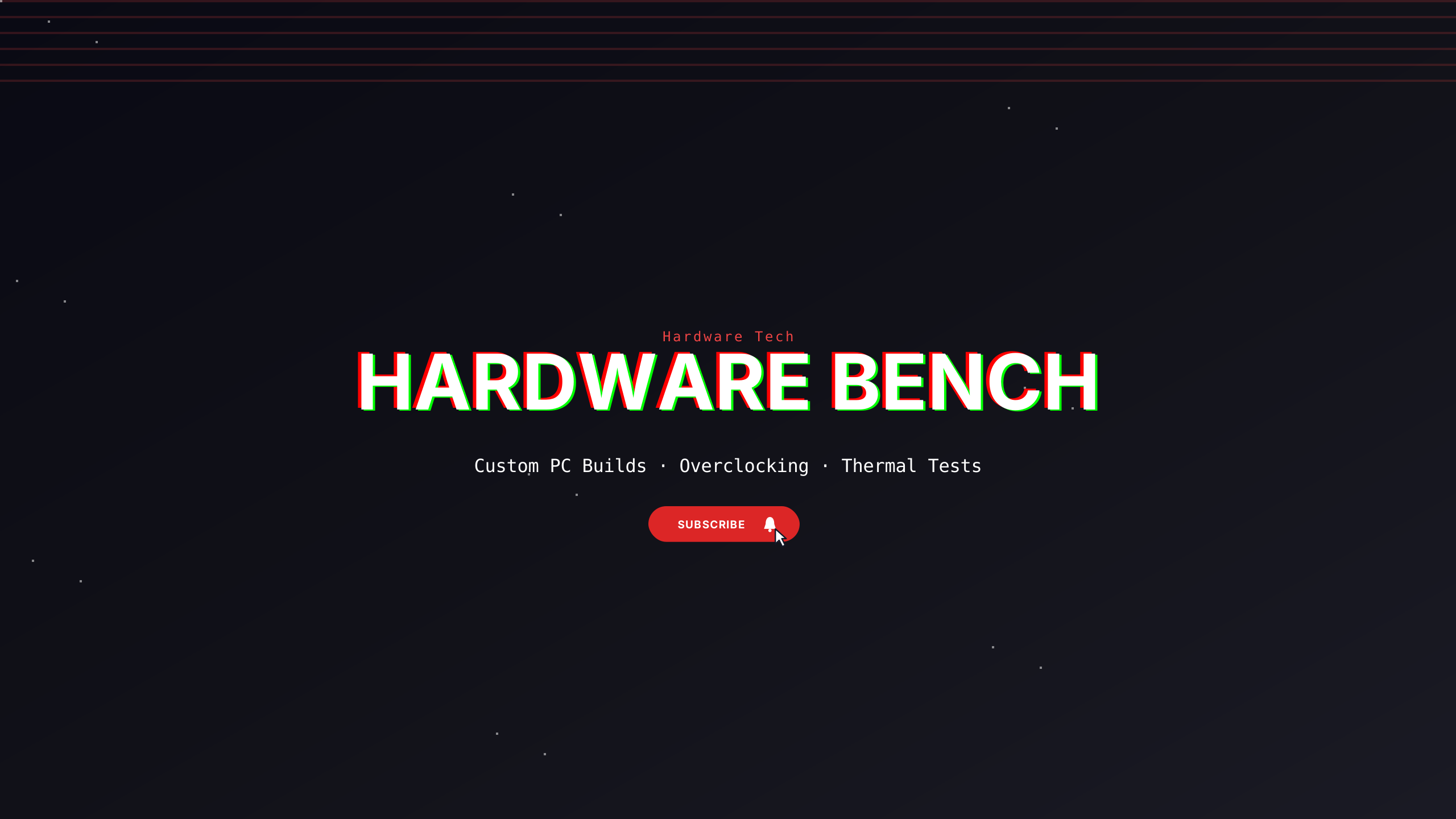
Industrial tech layout with horizontal accent bar and bold weights.
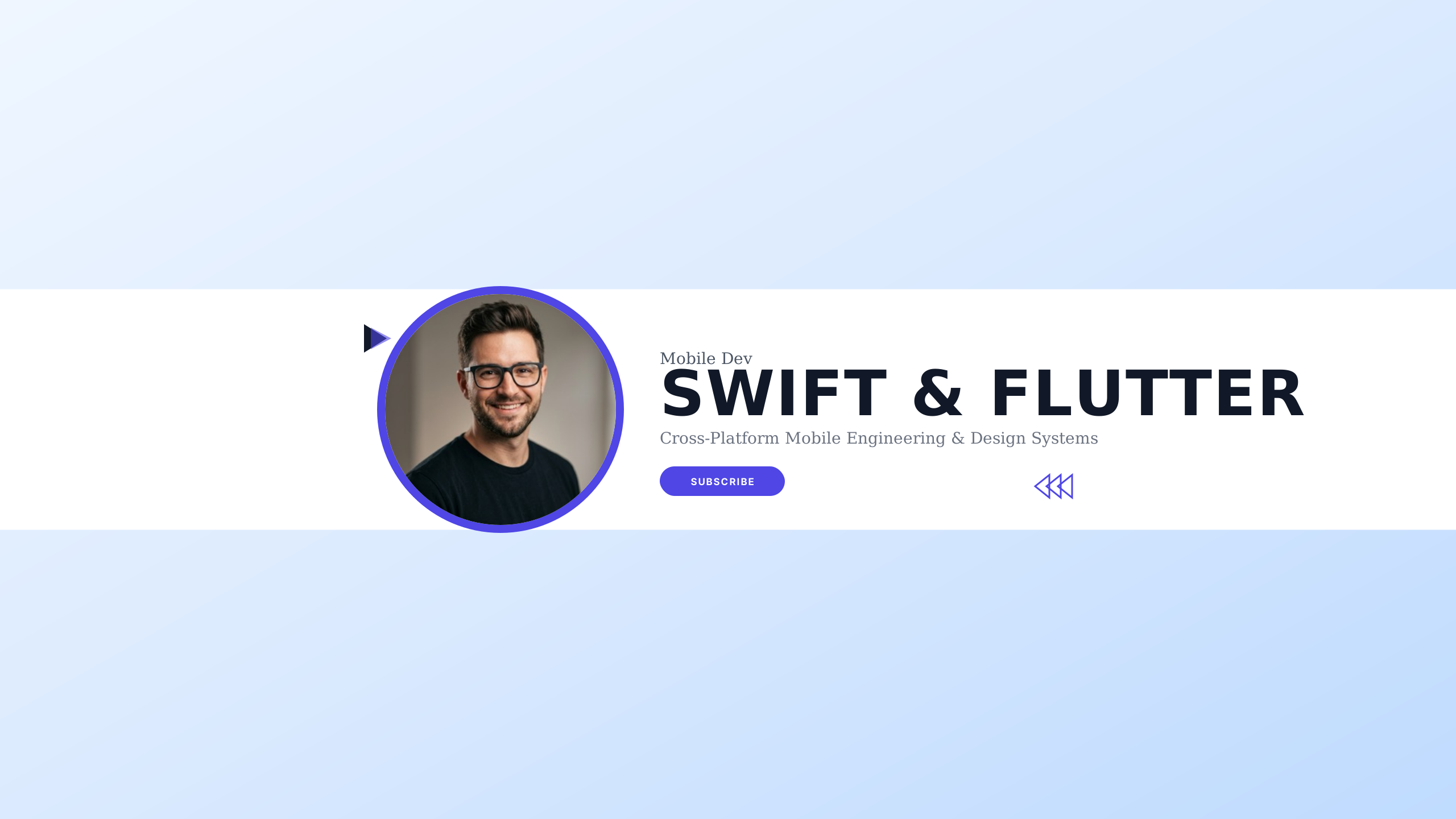
Clean iOS Cupertino aesthetic with vibrant accent and fluid application engineering.
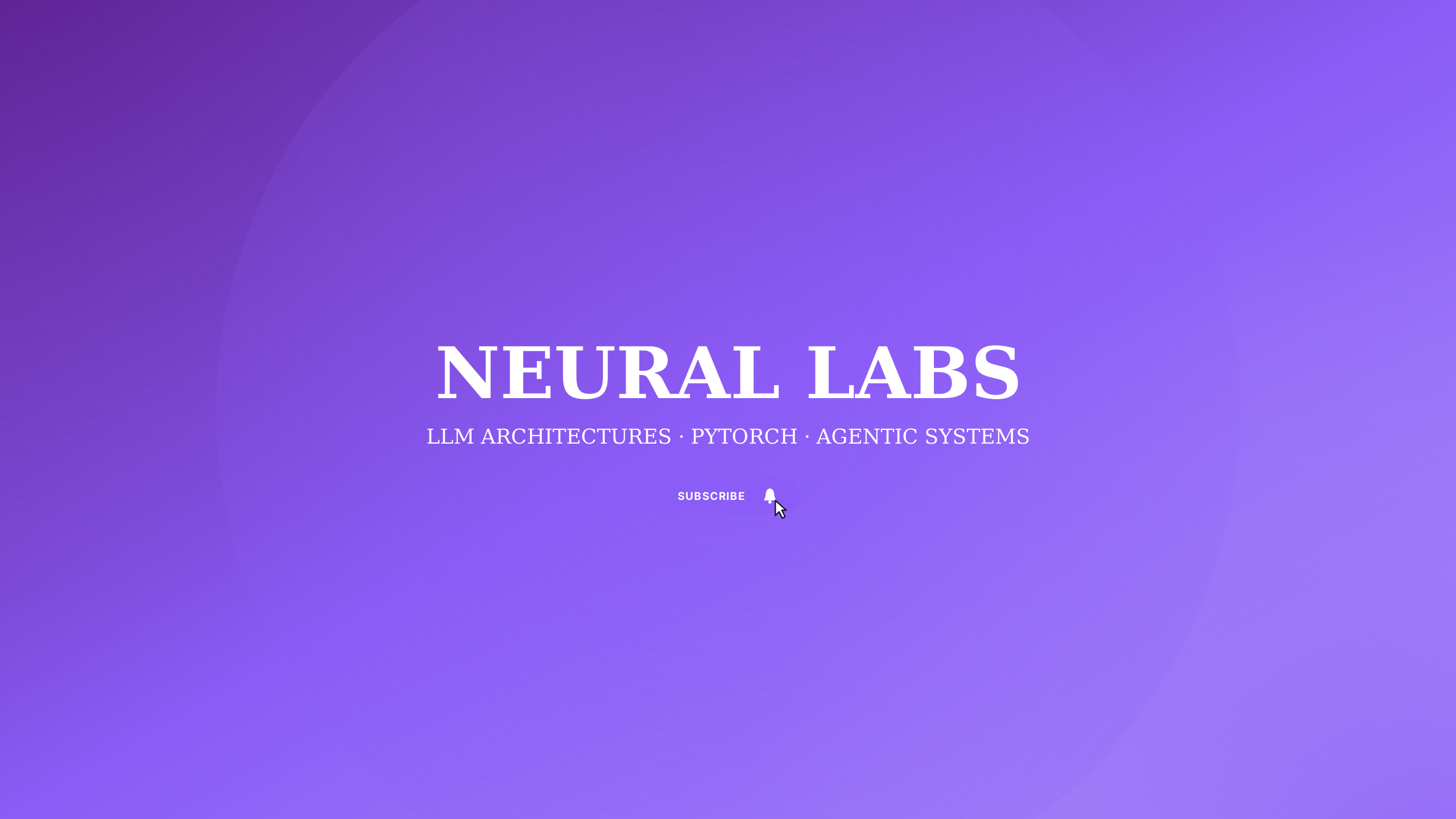
Deep indigo and radiant violet neural network aesthetics for AI engineers and machine learning.
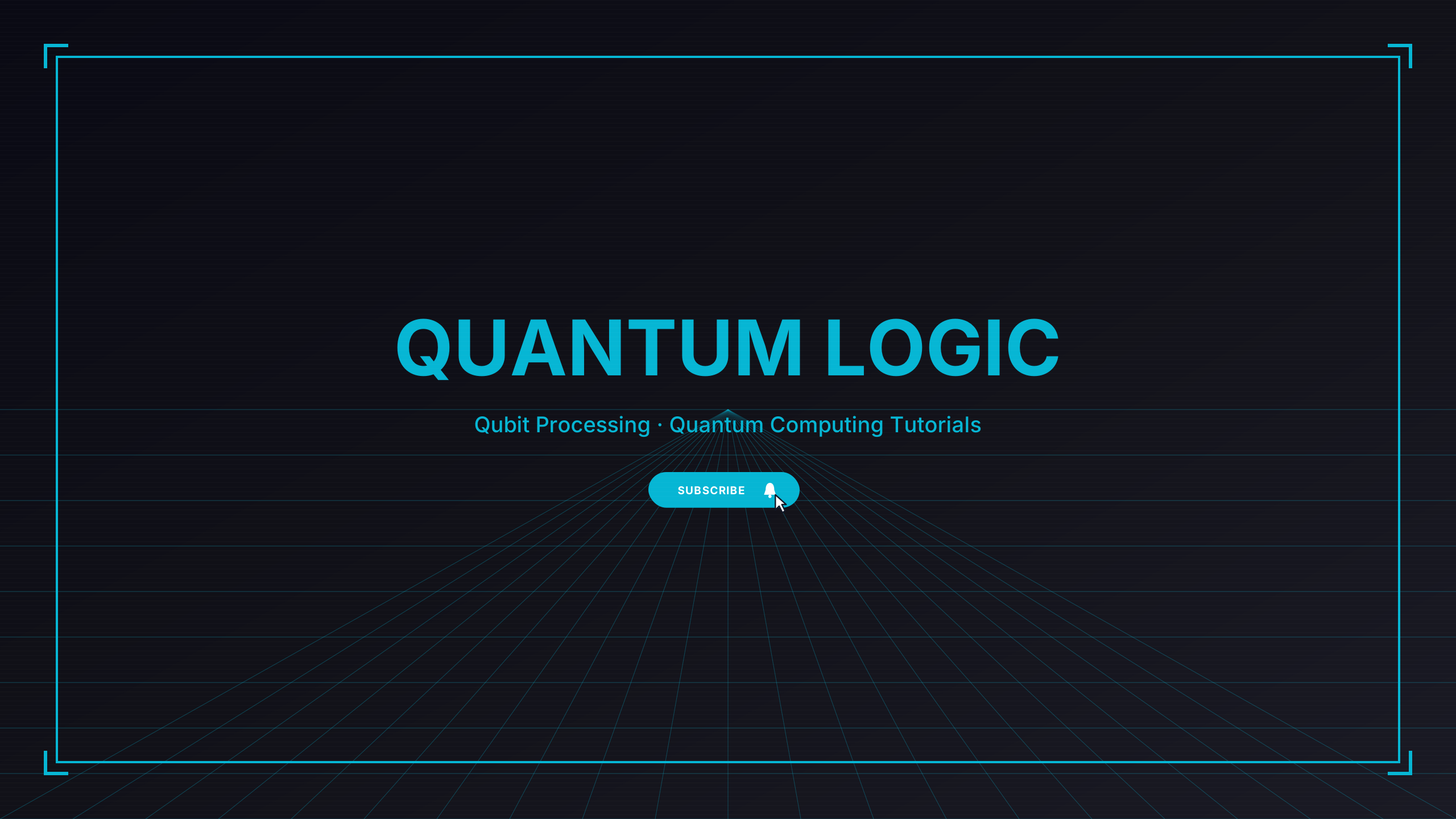
Ultraviolet quantum state orbital geometry for computational physics and future tech.
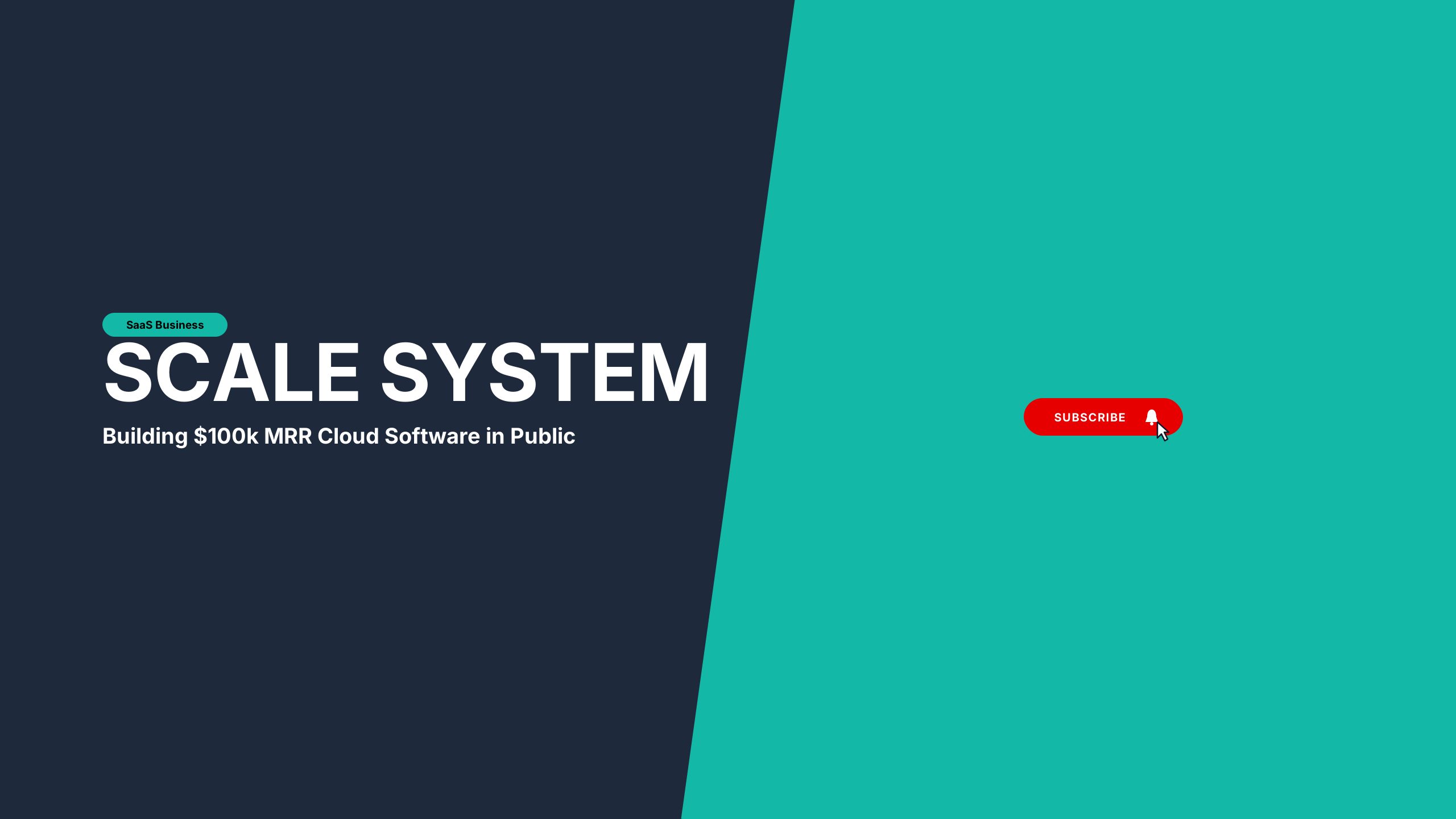
Clean Sky Blue and crisp Slate 950 composition for indie hackers and modern cloud software.
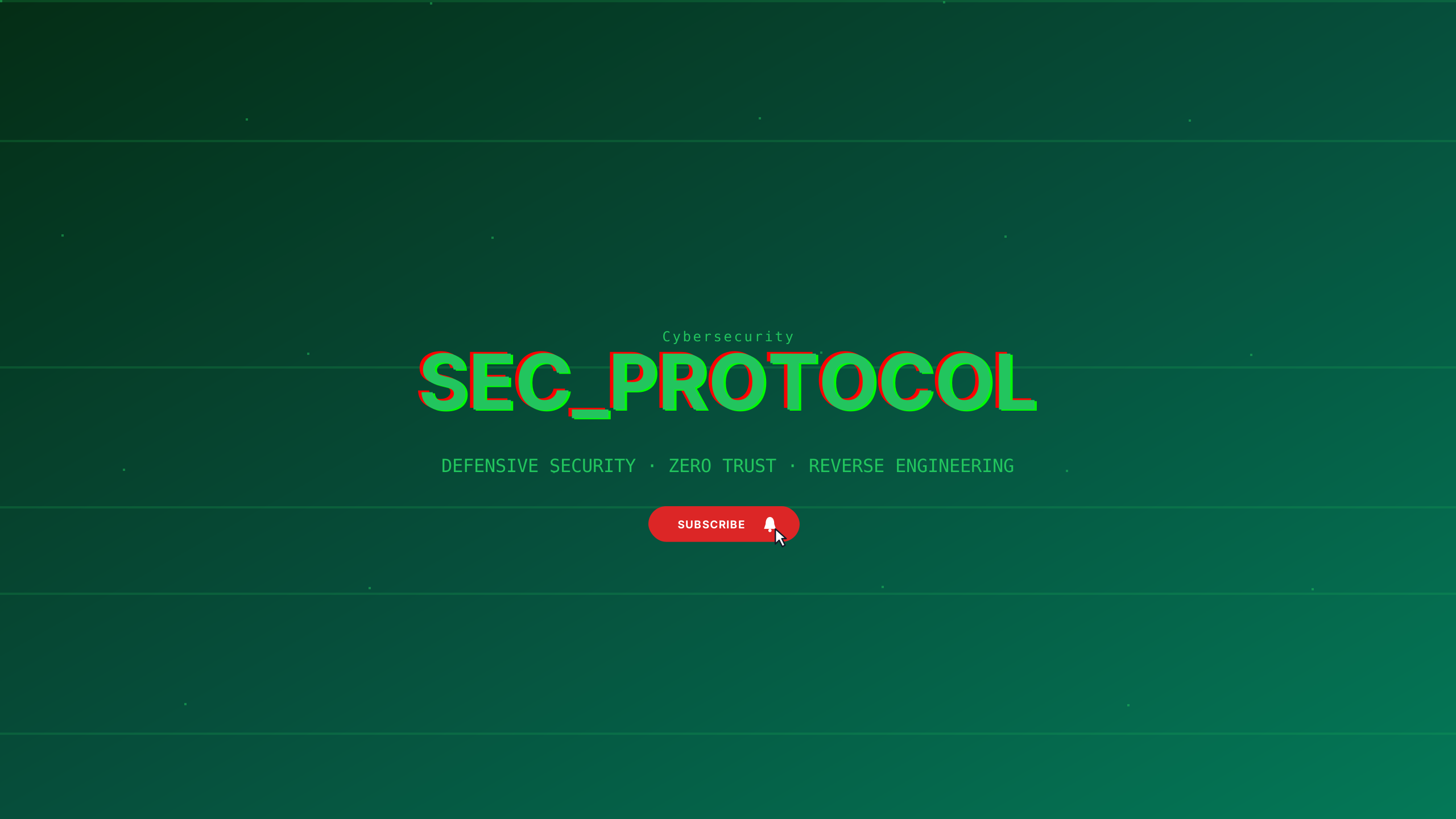
Matrix emerald and void black for penetration testers, ethical hackers, and security research.
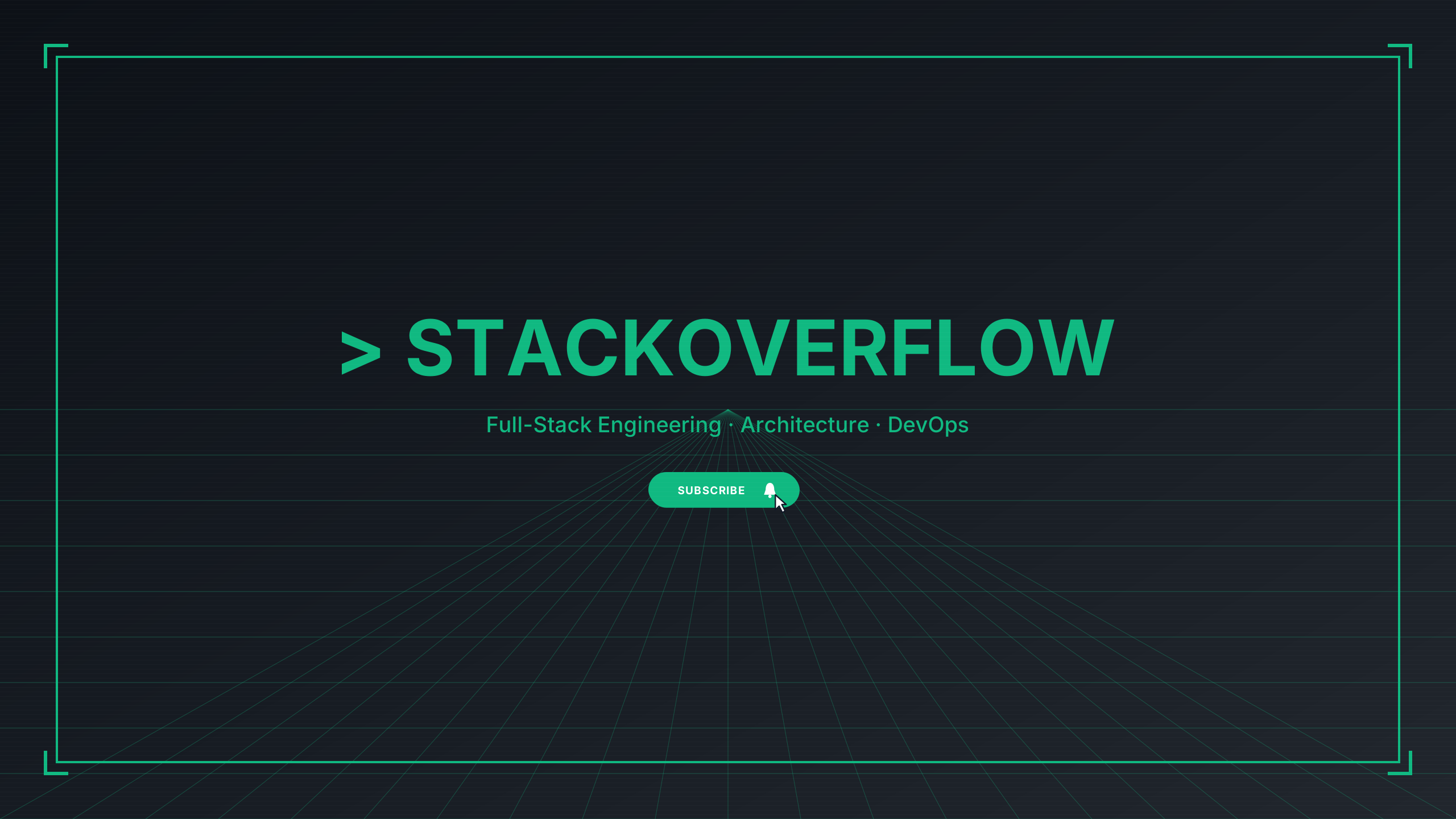
Developer monospaced left-aligned terminal prompt styling.
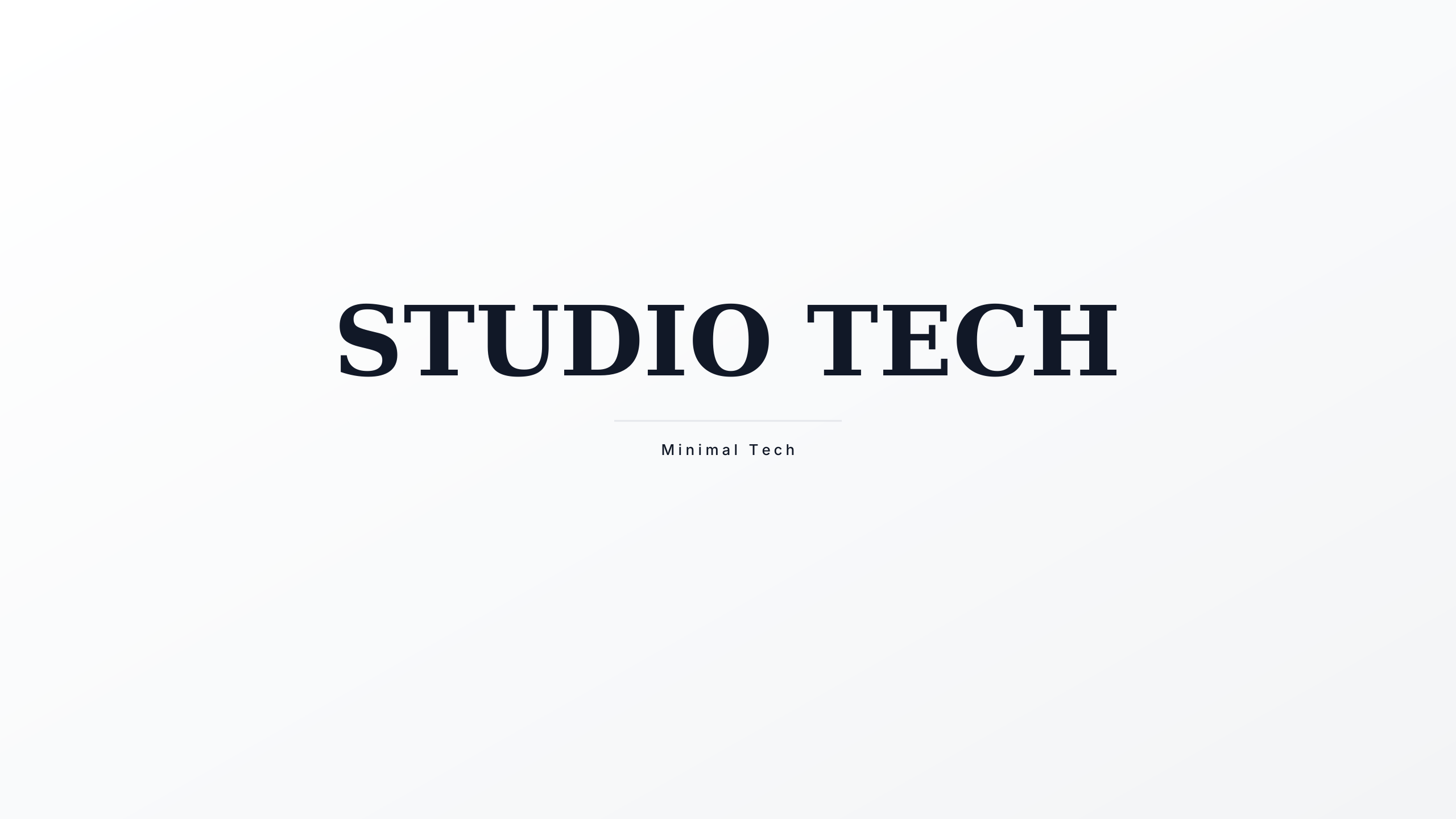
Ultra-clean high-key white studio presentation engineered for hardware reviews and coding channels.
Developer and technology channels require structured precision. Our tech templates feature dark terminal themes, clean gridlines, and balanced typography calibrated to stay sharp on high-DPI desktop screens while remaining legible on smaller phone screens.
Every design in this collection is rendered onto the master 2560 × 1440 px canvas. All editable typography (channel name, tagline, and schedule) is strictly constrained inside the mobile safe area (1546 × 423 px).
Software architecture diagrams, code syntax, and terminal commands must be positioned inside the safe area so mobile developers can read repository names and tech stacks. Avoid placing GitHub URLs or framework icons in the extreme horizontal margins where desktop-only cropping leaves mobile visitors looking at empty backgrounds.
Learn more about safe area mathematics in our Safe Area Guide or check exact dimensions in the Banner Sizing Guide.
Open a template in the Banner Maker to update channel names, pick complementary fonts, and export a clean banner ready for upload.
If you already have channel art or custom photography, use the Banner Resizer to check your subject alignment across all four device cutoffs.