
DRAFT · 16:9
musicSafe-area verified
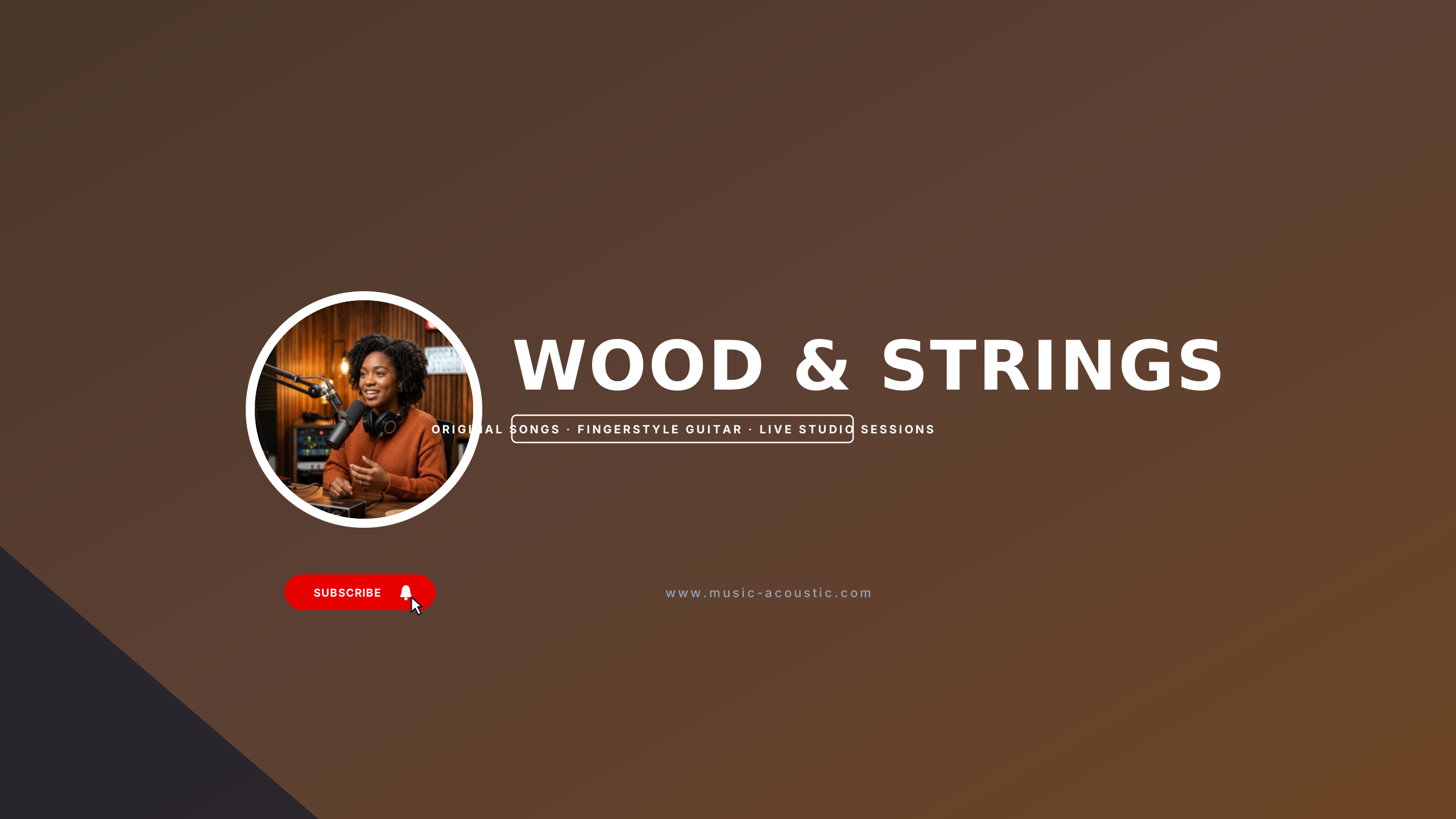
Acoustic Loft
Earthy organic tones and left-aligned serif display for indie artists.
Editable:TitleTaglineAvatarGradient
Curated for independent beatmakers, lo-fi stream hosts, synthwave artists, and acoustic musicians. Atmospheric color palettes and distinct musical typography establish your sound identity while keeping your artist moniker and release dates safe on every screen.
Select a design to open the Banner Maker with preset typography and safe boundaries.
Earthy organic tones and left-aligned serif display for indie artists.
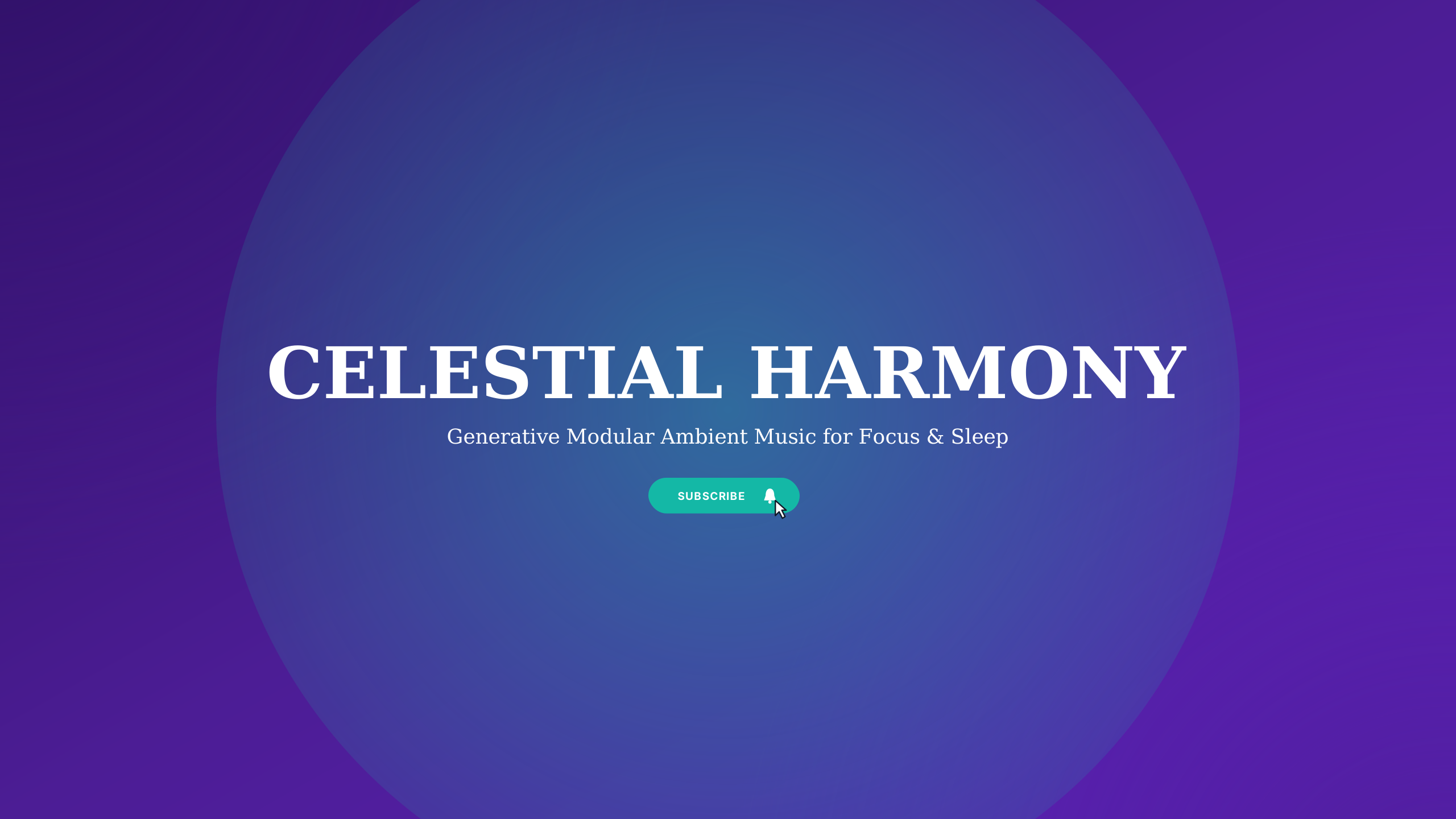
Ethereal lavender and deep celestial space for meditation drones and modular synthesis.
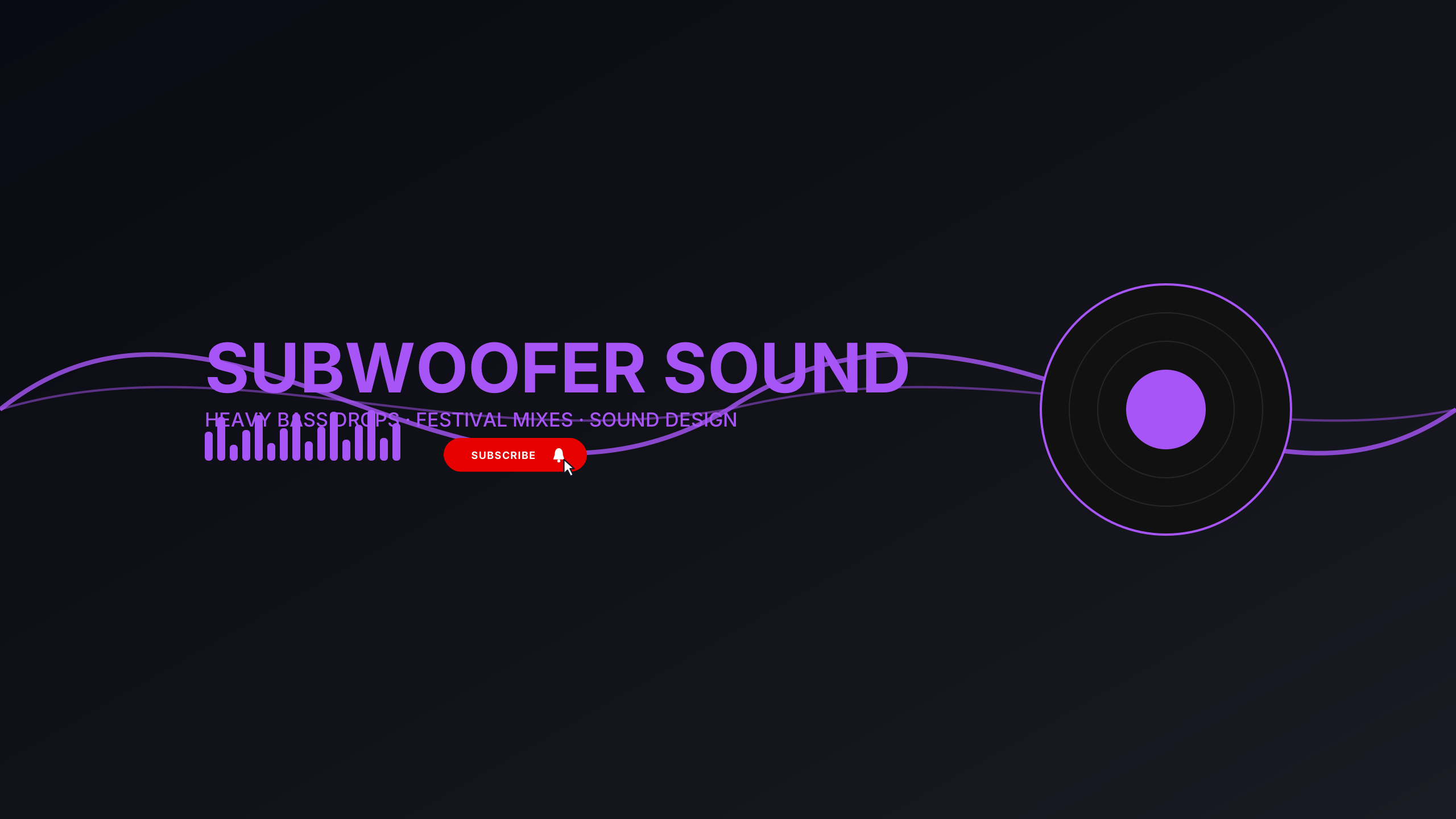
Electric laser lime and ultraviolet for festival EDM, dubstep, and electronic producers.
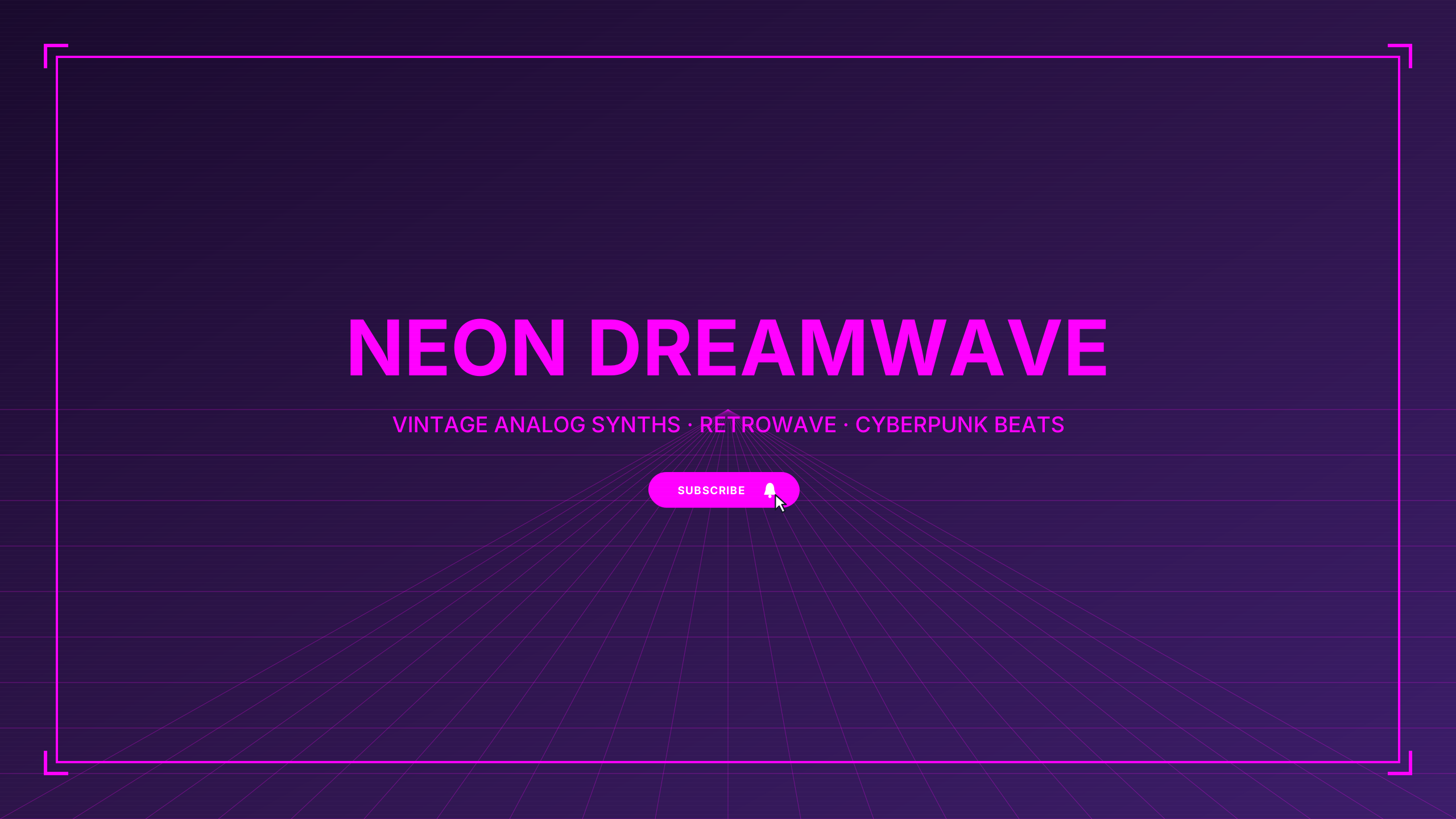
Sunset coral and outrun violet for retro electronic artists and 80s dreamwave.
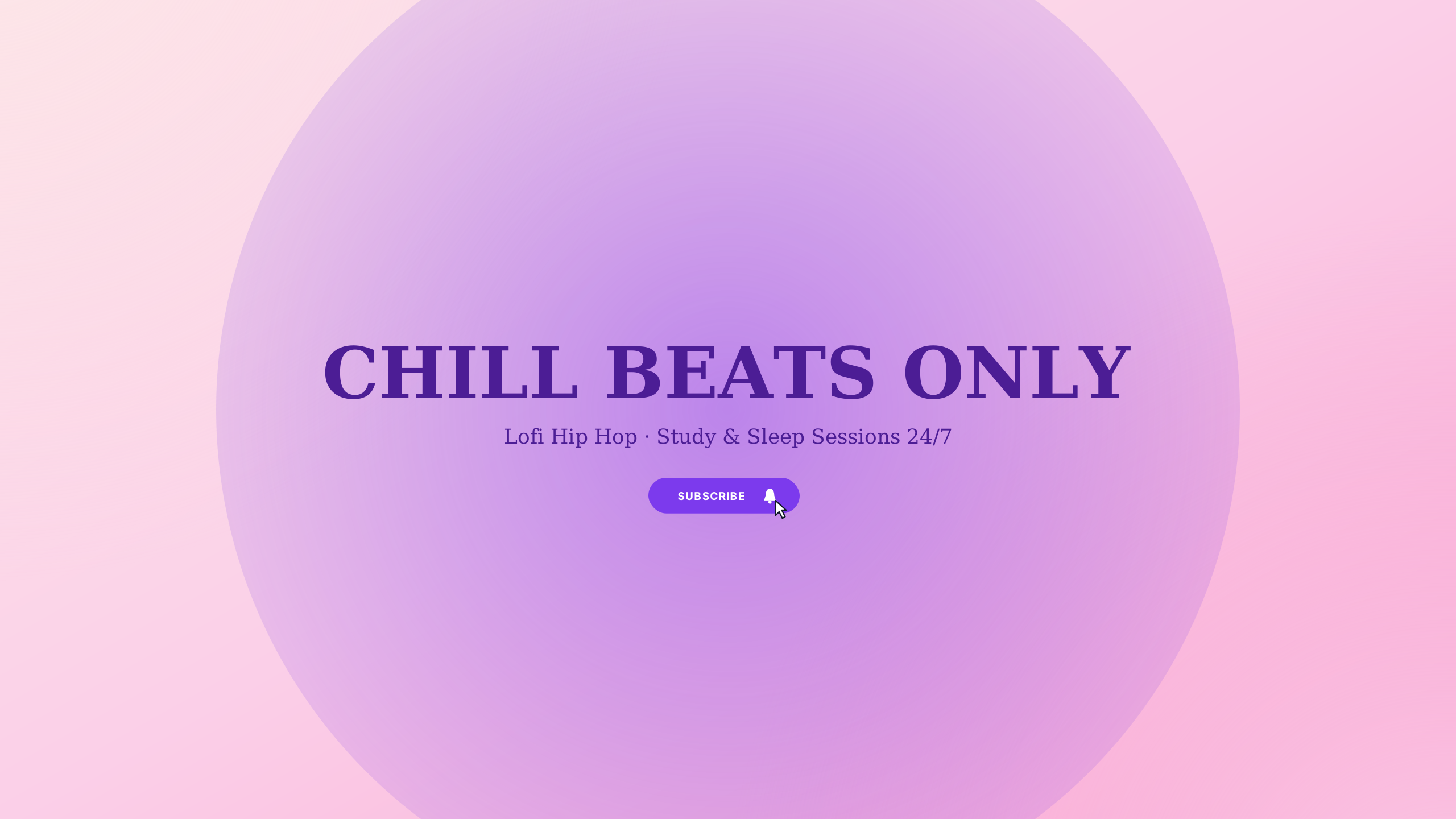
Deep purple twilight palette with centered cozy styling.
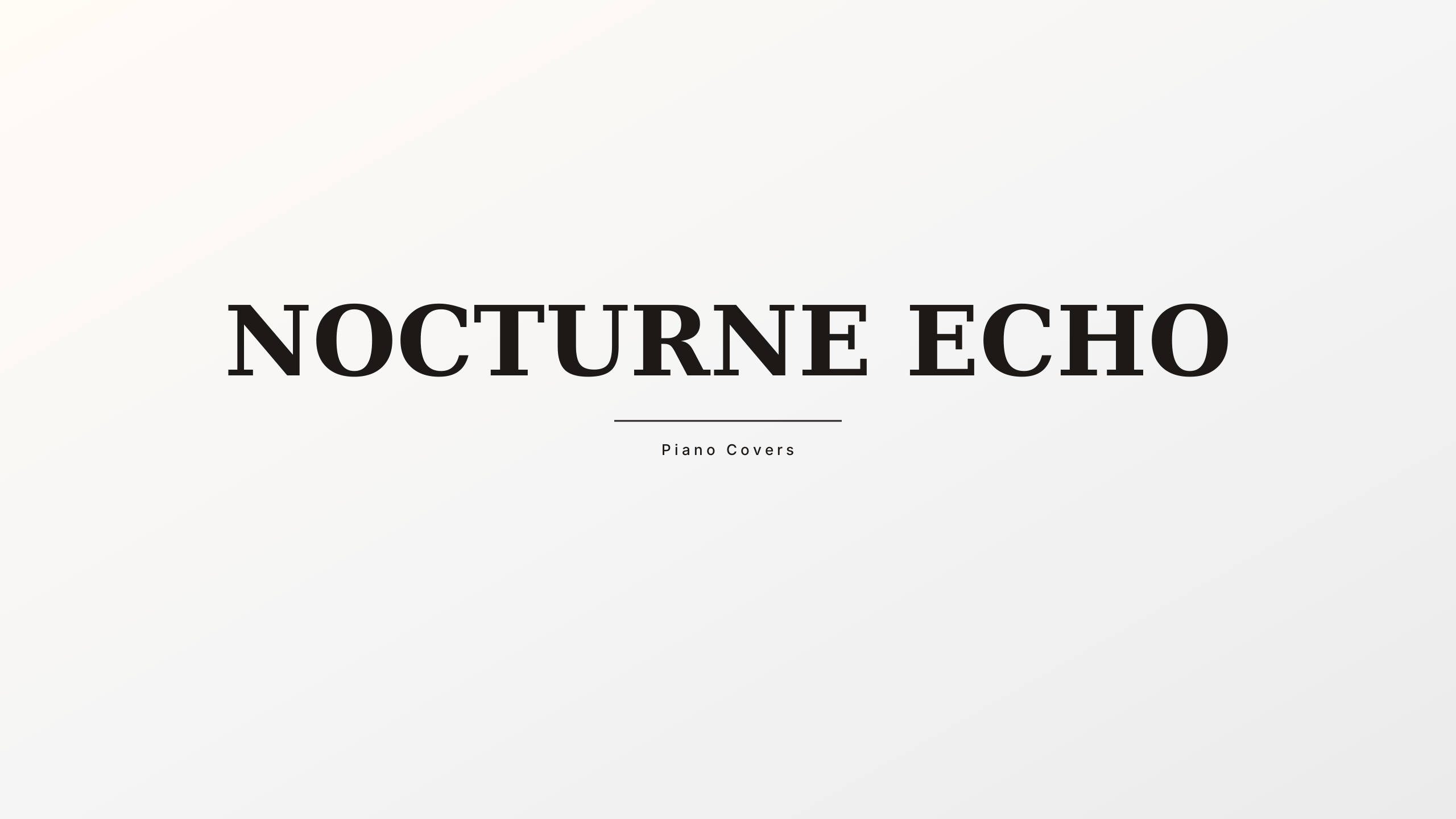
Ivory and grand piano charcoal for cinematic composers, pianists, and orchestral music.
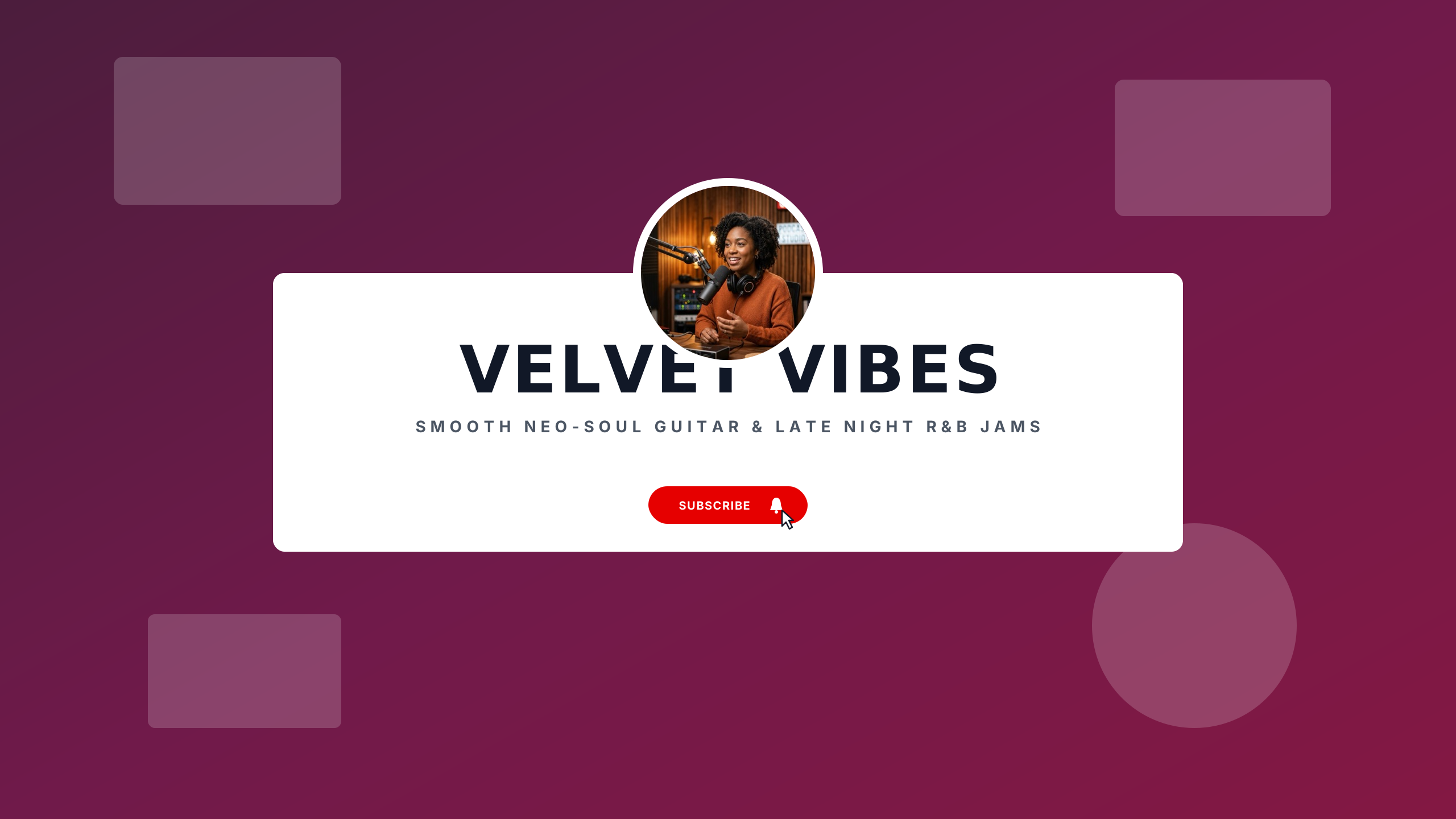
Warm caramel and deep violet velvet for R&B, modern soul, and instrumental grooves.
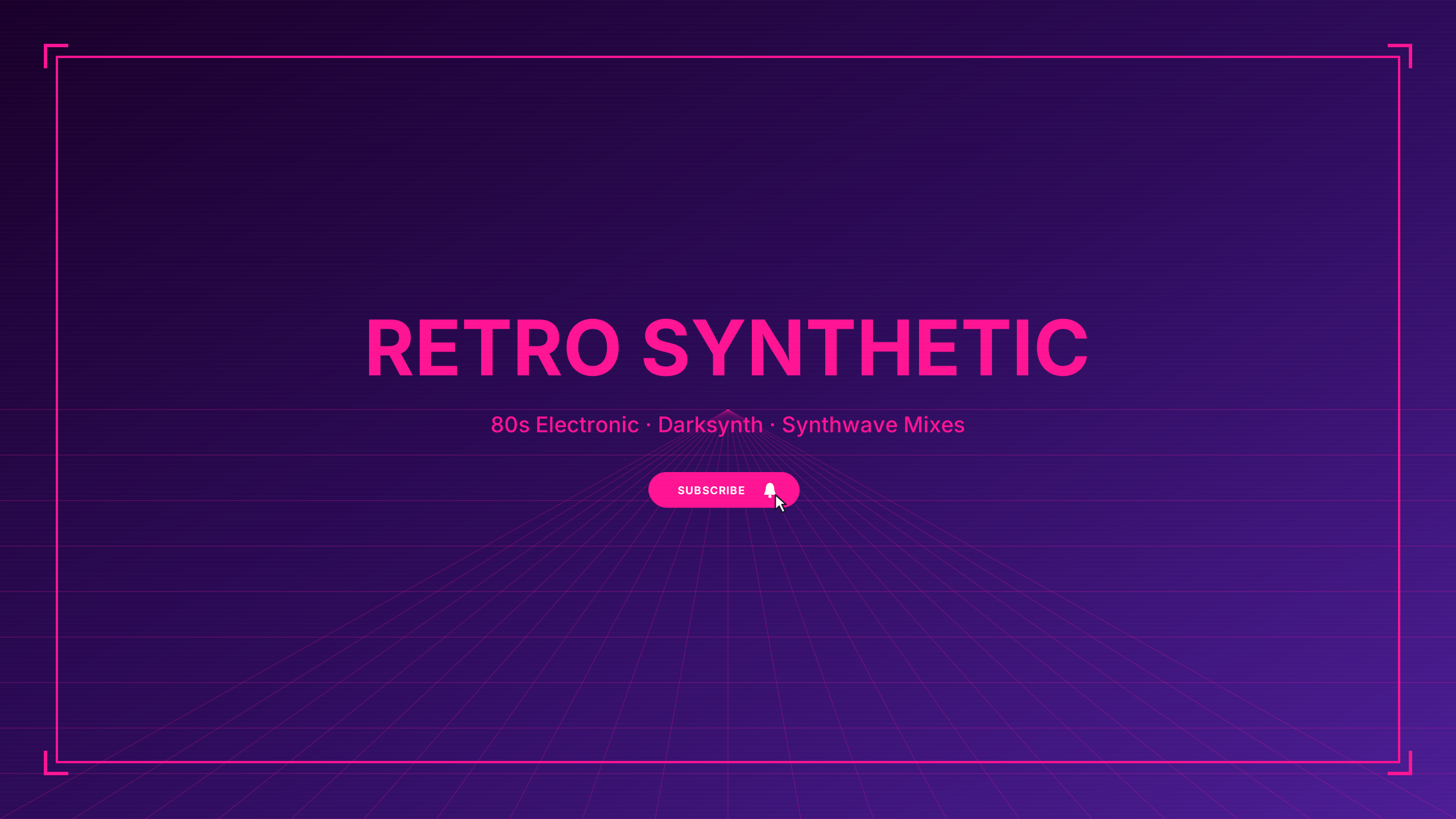
Electric magenta and cyan horizon gradient for synth and retro wave.
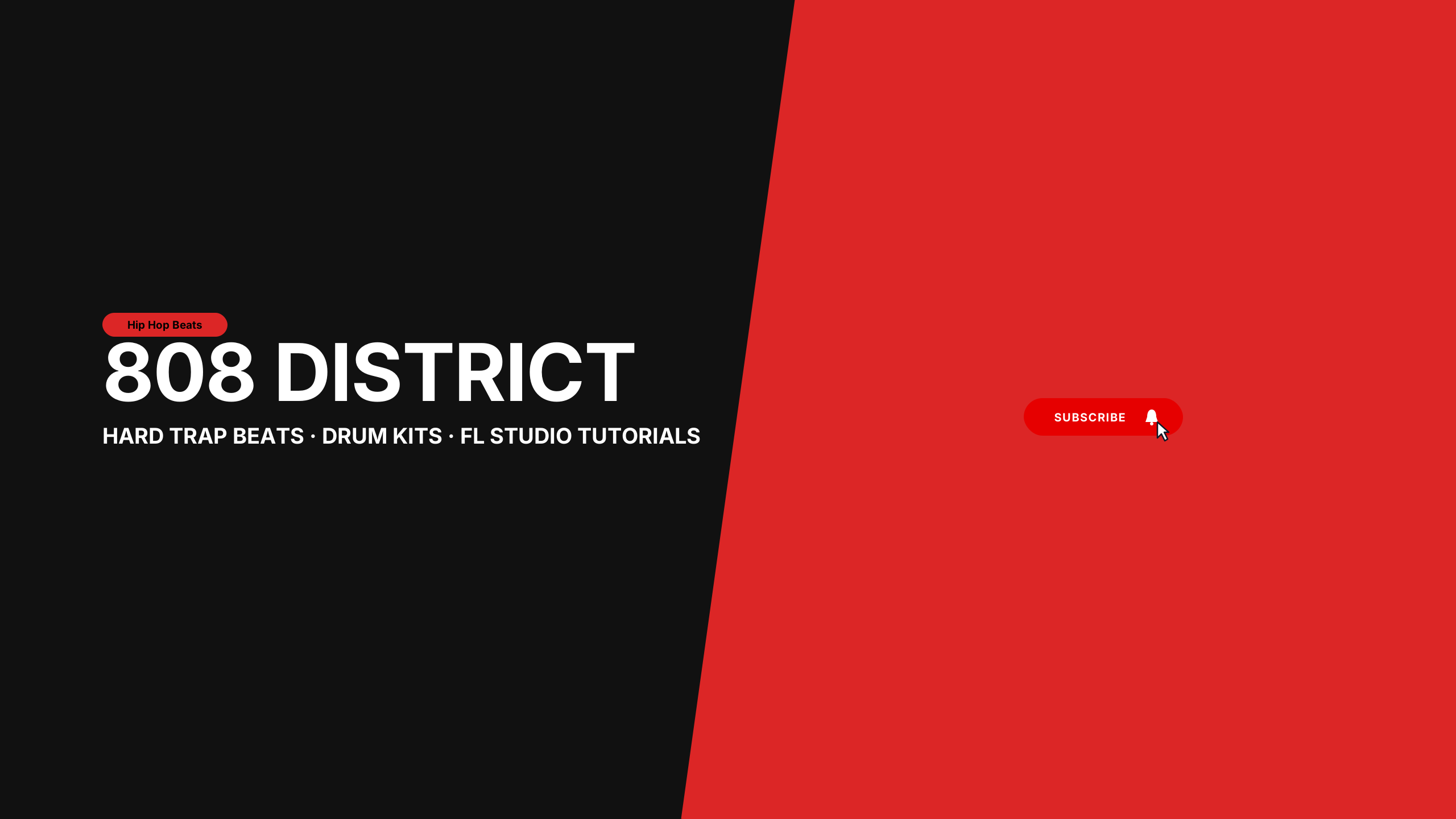
High-contrast 808 orange and matte carbon for hip hop beatmakers and FL Studio producers.
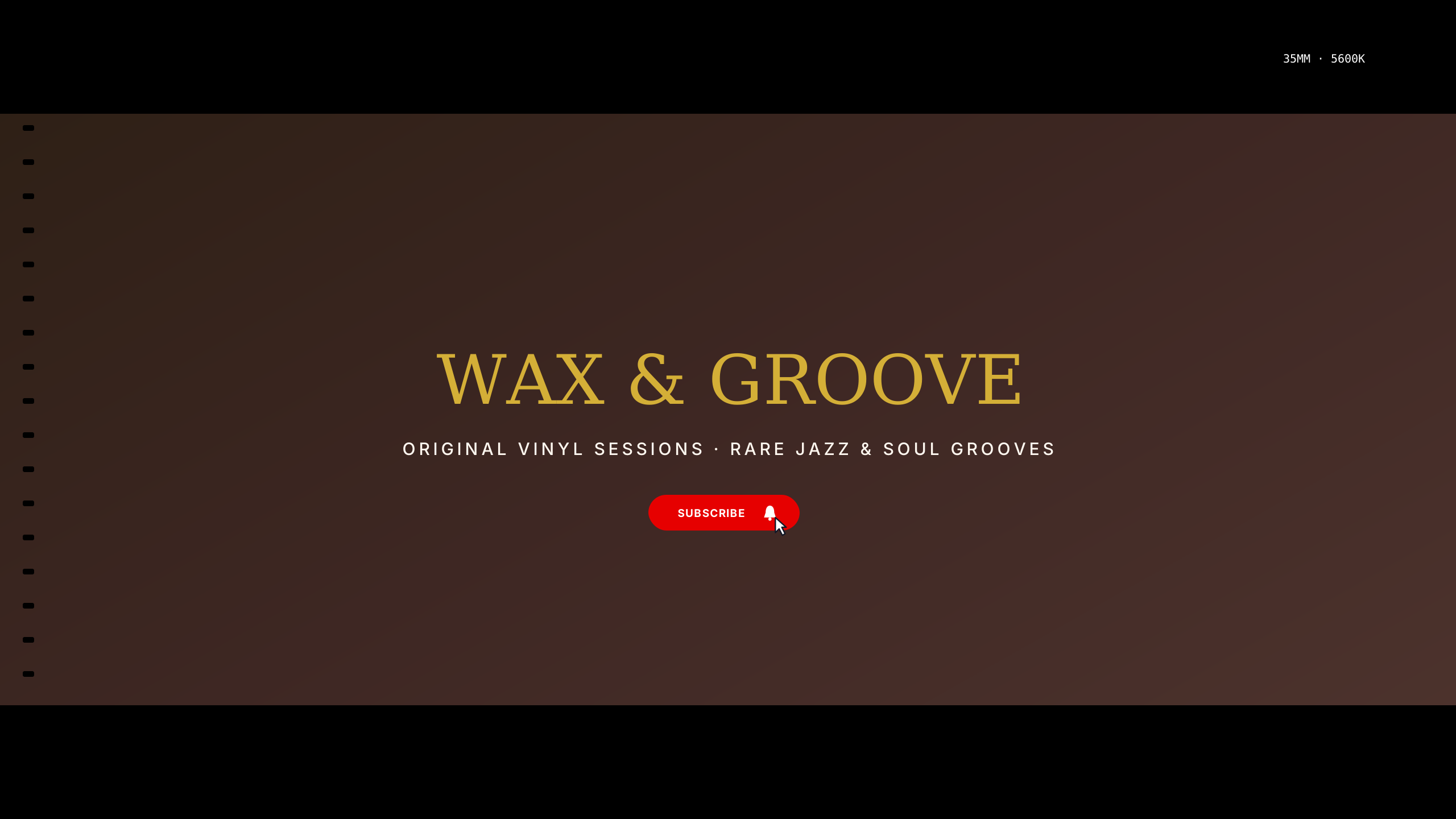
Retro warm amber and velvet noir for record collectors, jazz bars, and crate diggers.
Music channels often feature album art or abstract background visuals. These layouts ensure artist names, release announcements, and streaming handles remain completely visible across television, desktop, tablet, and mobile views.
Every design in this collection is rendered onto the master 2560 × 1440 px canvas. All editable typography (channel name, tagline, and schedule) is strictly constrained inside the mobile safe area (1546 × 423 px).
Musicians and producer channels need artist names, EP release dates, and streaming platform callouts centered in the safe zone. Audio wave graphics, synthesizer backdrops, and atmospheric neon gradients can stretch into the widescreen periphery, ensuring your branding stays crisp on 4K televisions without clipping track announcements on mobile apps.
Learn more about safe area mathematics in our Safe Area Guide or check exact dimensions in the Banner Sizing Guide.
Open a template in the Banner Maker to update channel names, pick complementary fonts, and export a clean banner ready for upload.
If you already have channel art or custom photography, use the Banner Resizer to check your subject alignment across all four device cutoffs.