
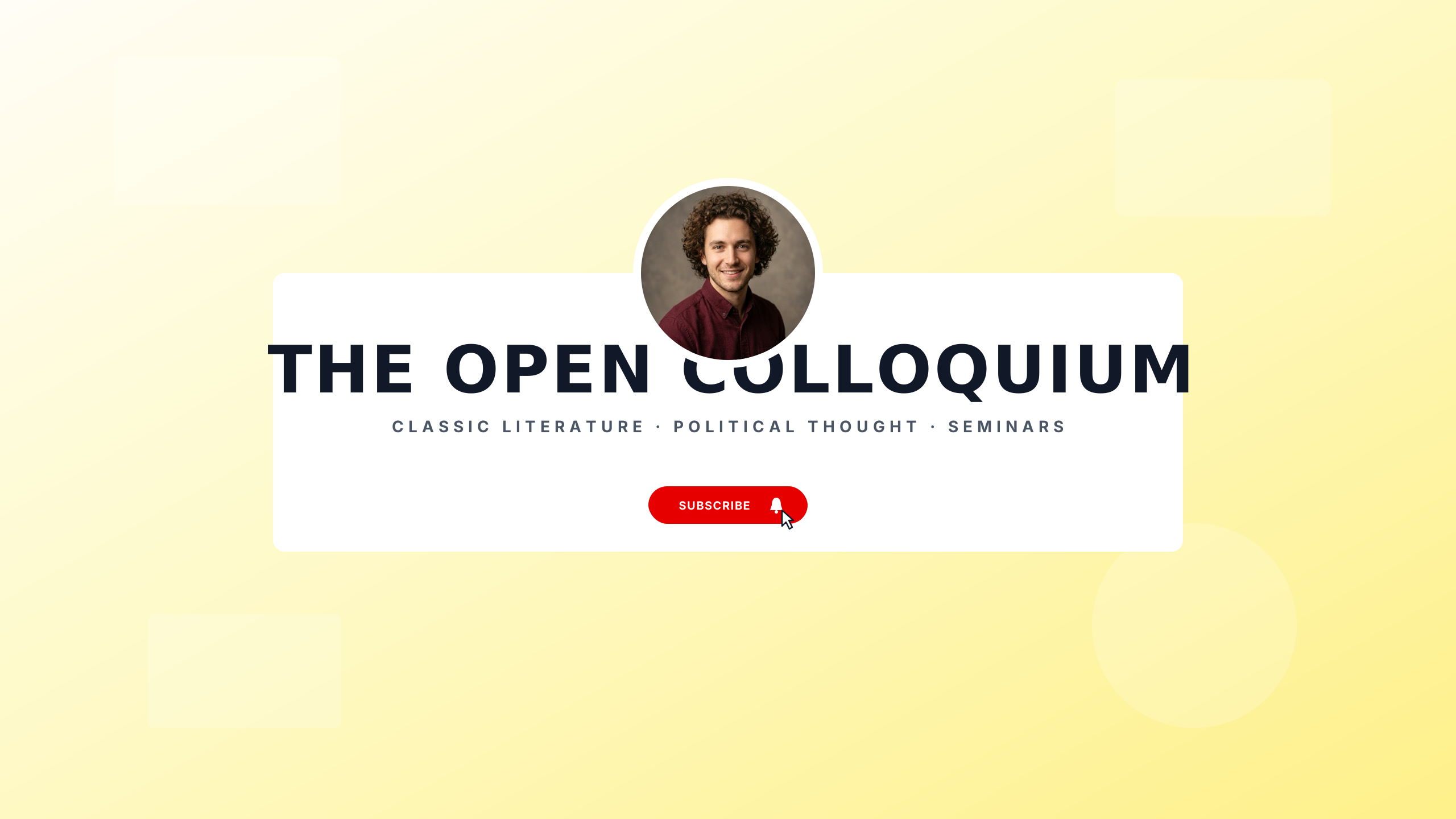
DRAFT · 16:9
educationSafe-area verified
Open Syllabus
Scholarly university aesthetic with double framing rules.
Editable:TitleTaglineAvatarGradient
Authoritative channel art for professors, coding bootcamps, science communicators, and educational tutorials. Structured editorial layouts and academic framing establish credibility with students and lifelong learners across all viewing devices.
Select a design to open the Banner Maker with preset typography and safe boundaries.
Scholarly university aesthetic with double framing rules.
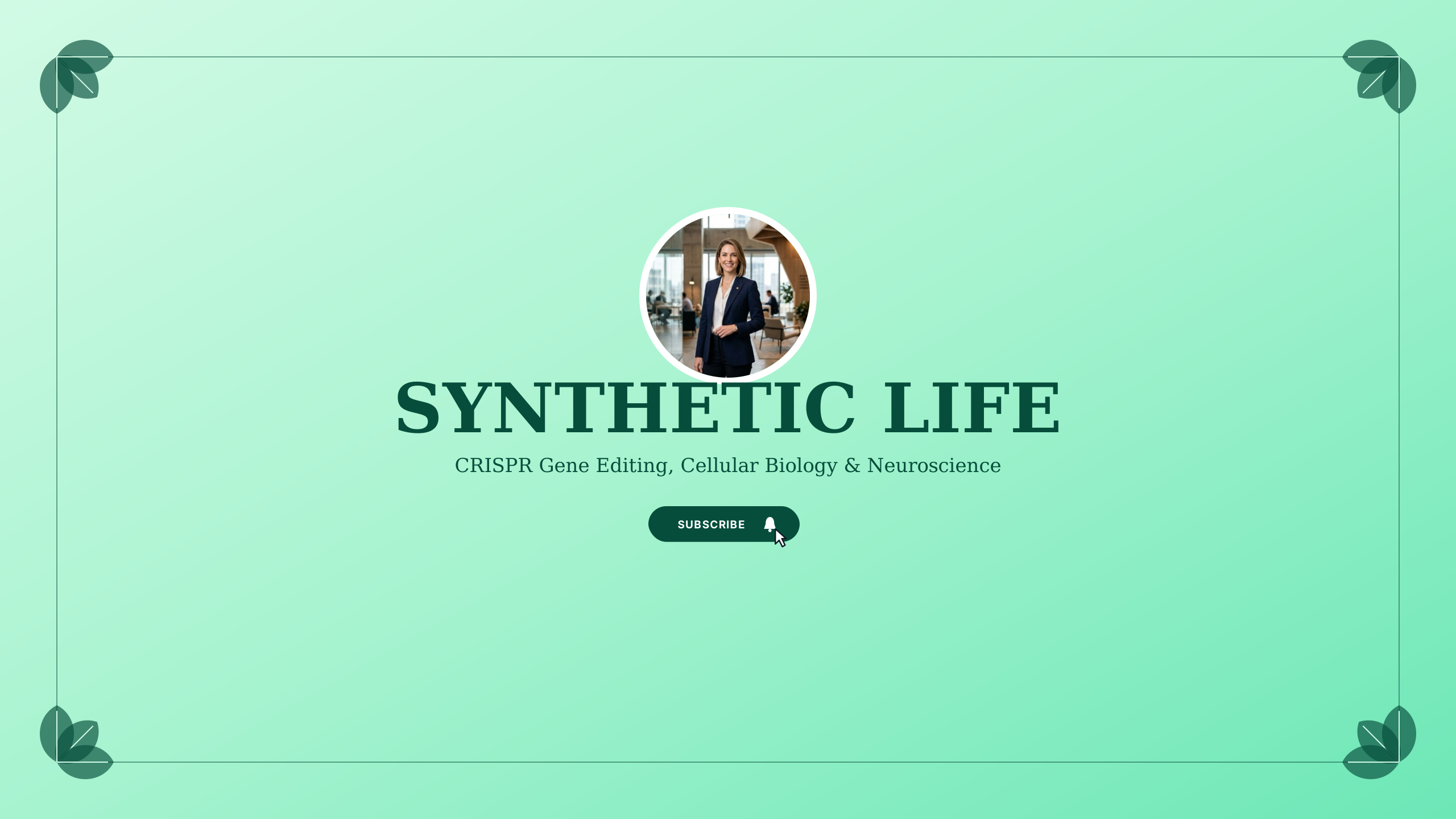
Cleanroom emerald and sterile slate for biology lectures, genetics, and medical explainers.
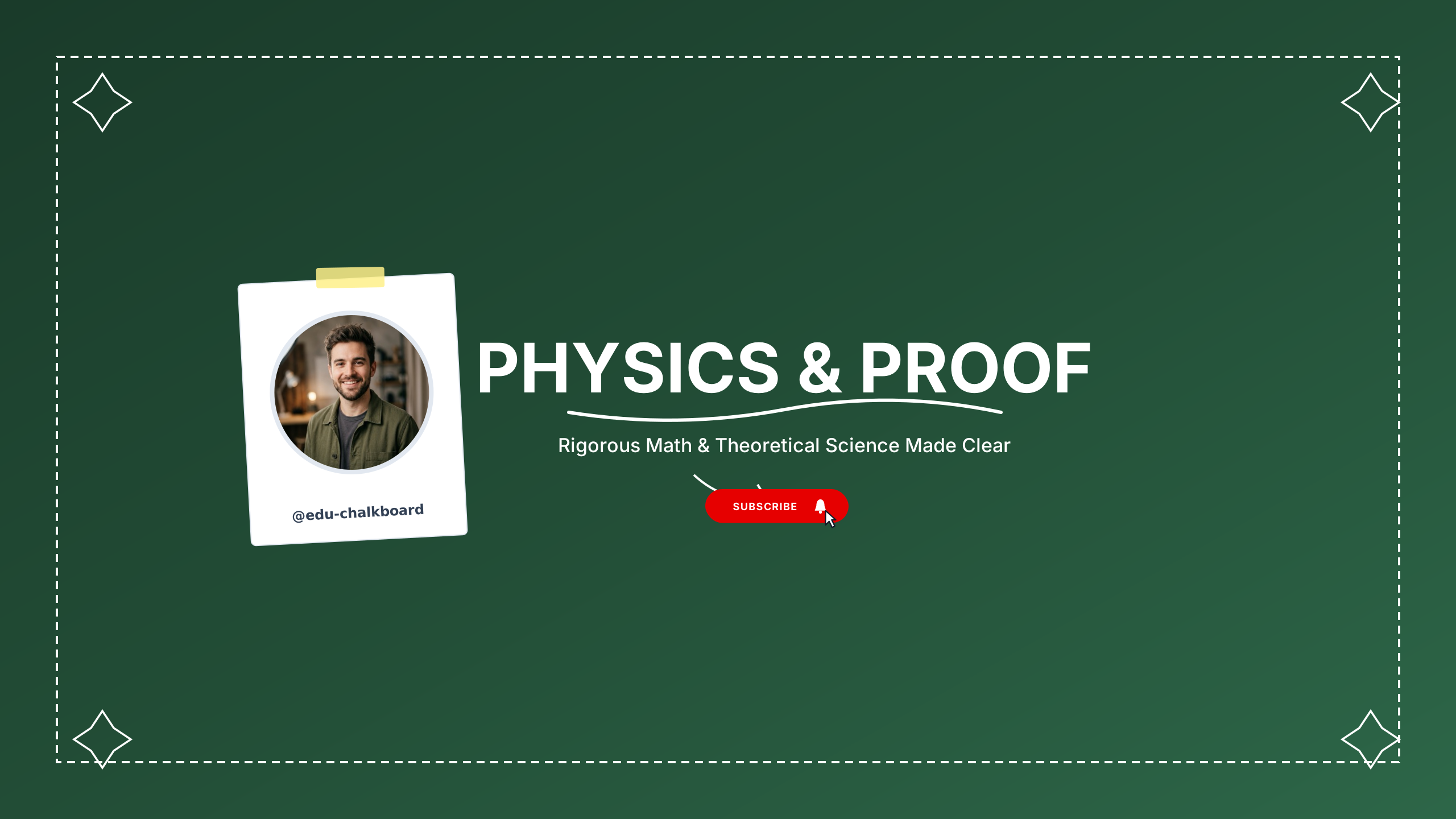
Mathematics and STEM chalkboard dark centered layout.
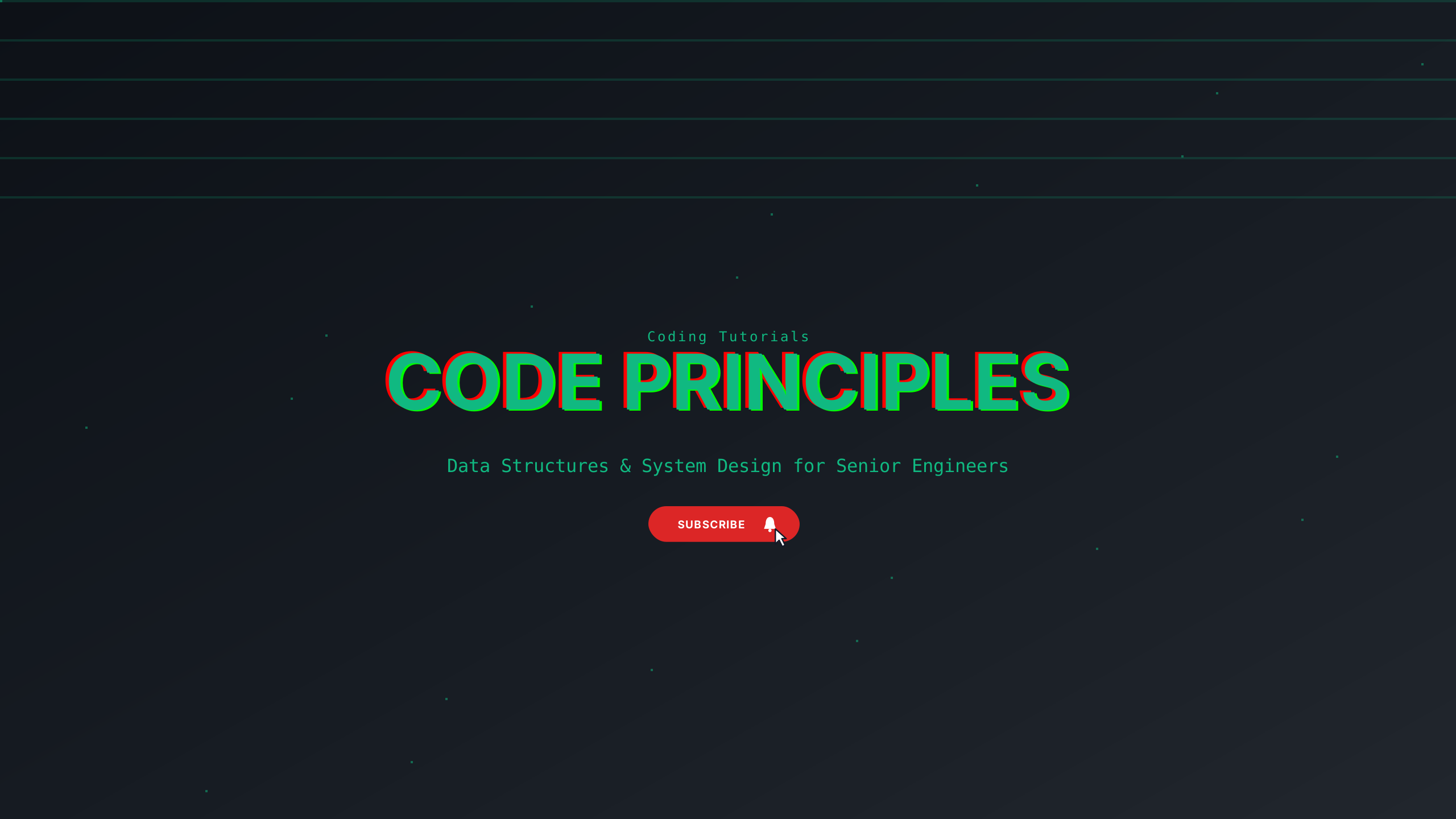
Clean terminal cyan and dark navy for coding interviews and computer science curricula.
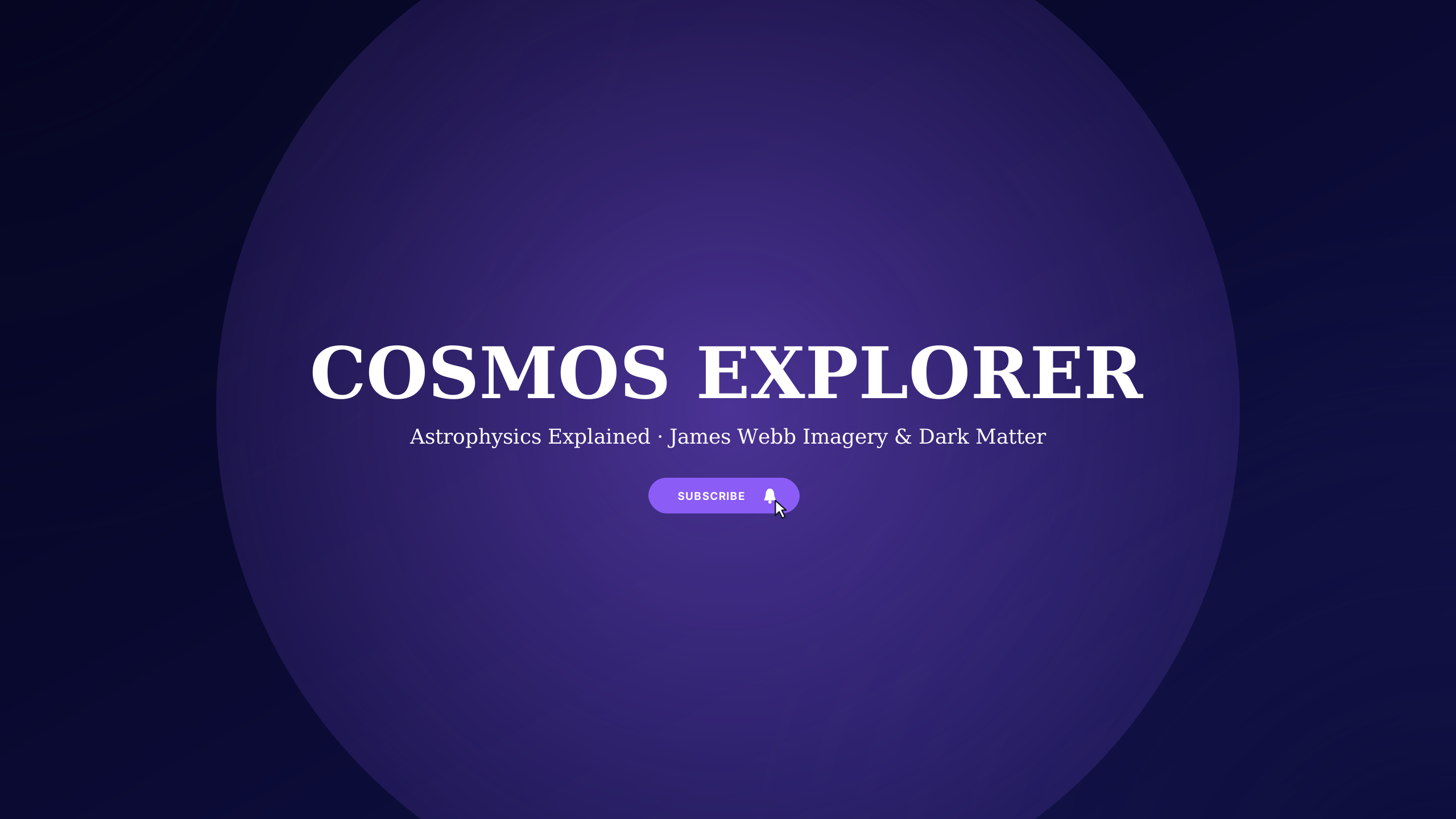
Deep galaxy blue and starlight gold for astrophysics, deep space, and NASA enthusiasts.

Treasury emerald and banking slate for personal finance, investing, and economic breakdown.
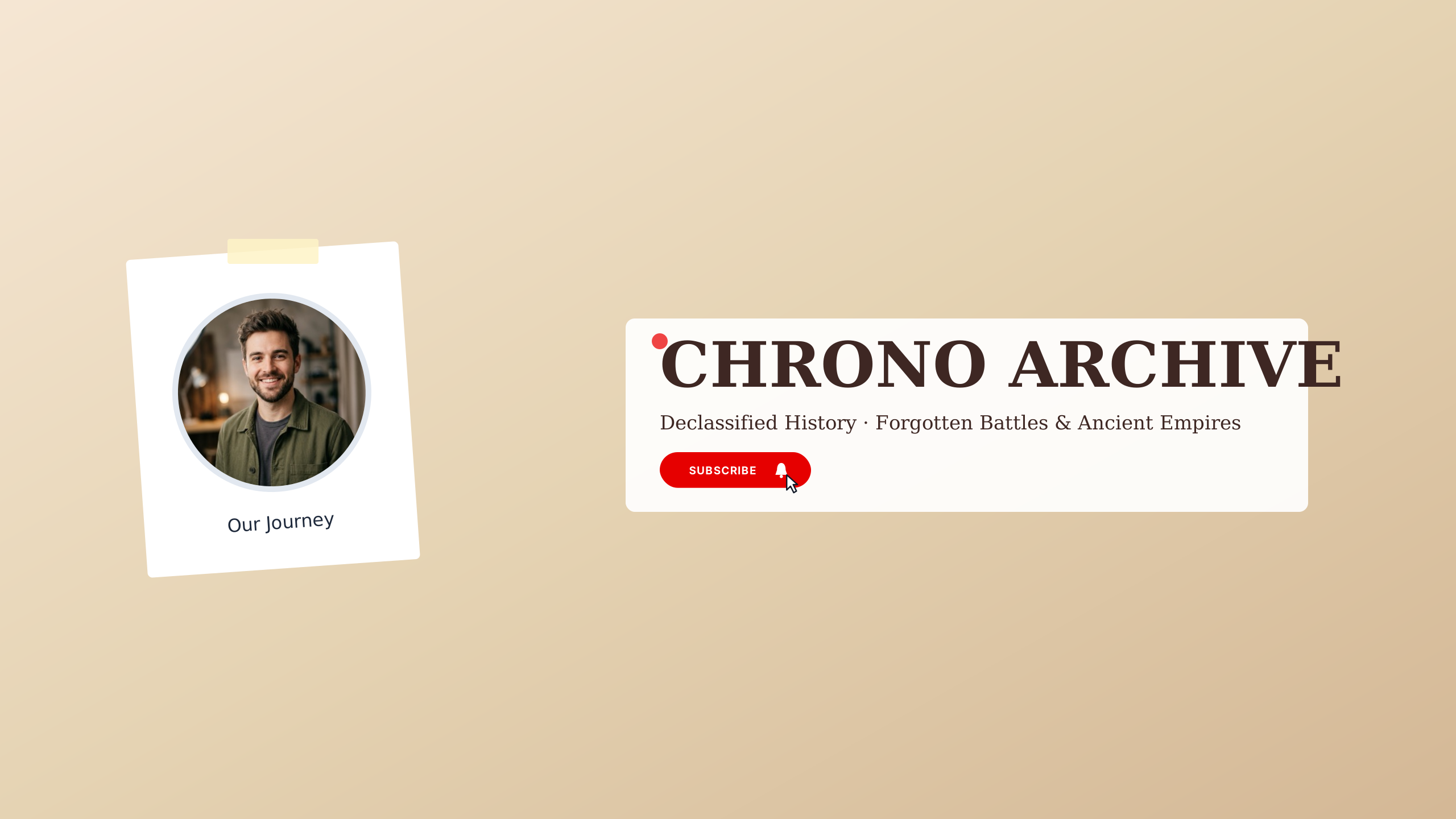
Ancient bronze and museum stone for world history documentaries and archaeological studies.
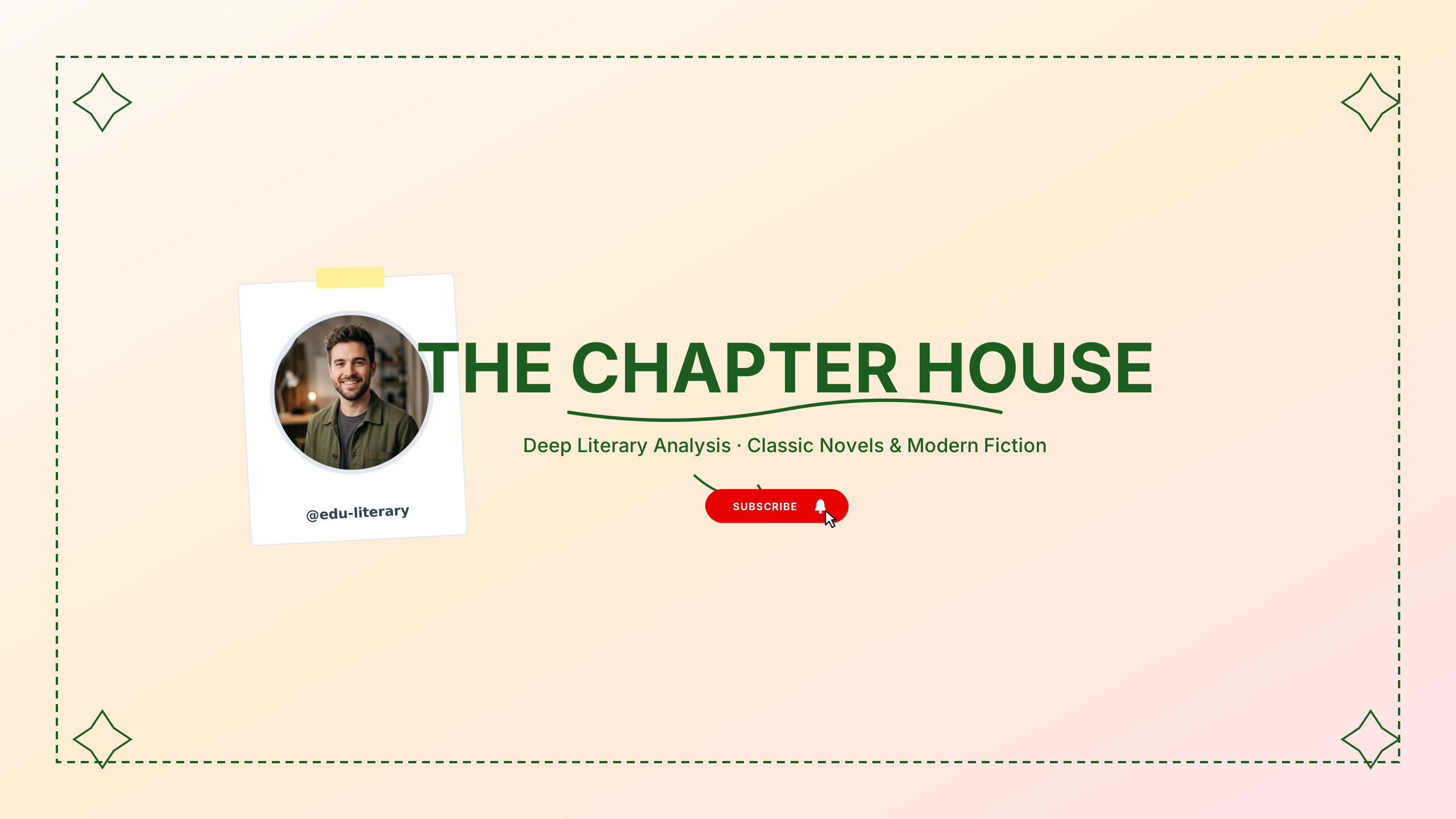
Deep forest green and ivory cream for book clubs, literary analysis, and writing craft.

Left-aligned crisp editorial style with subtle divider.
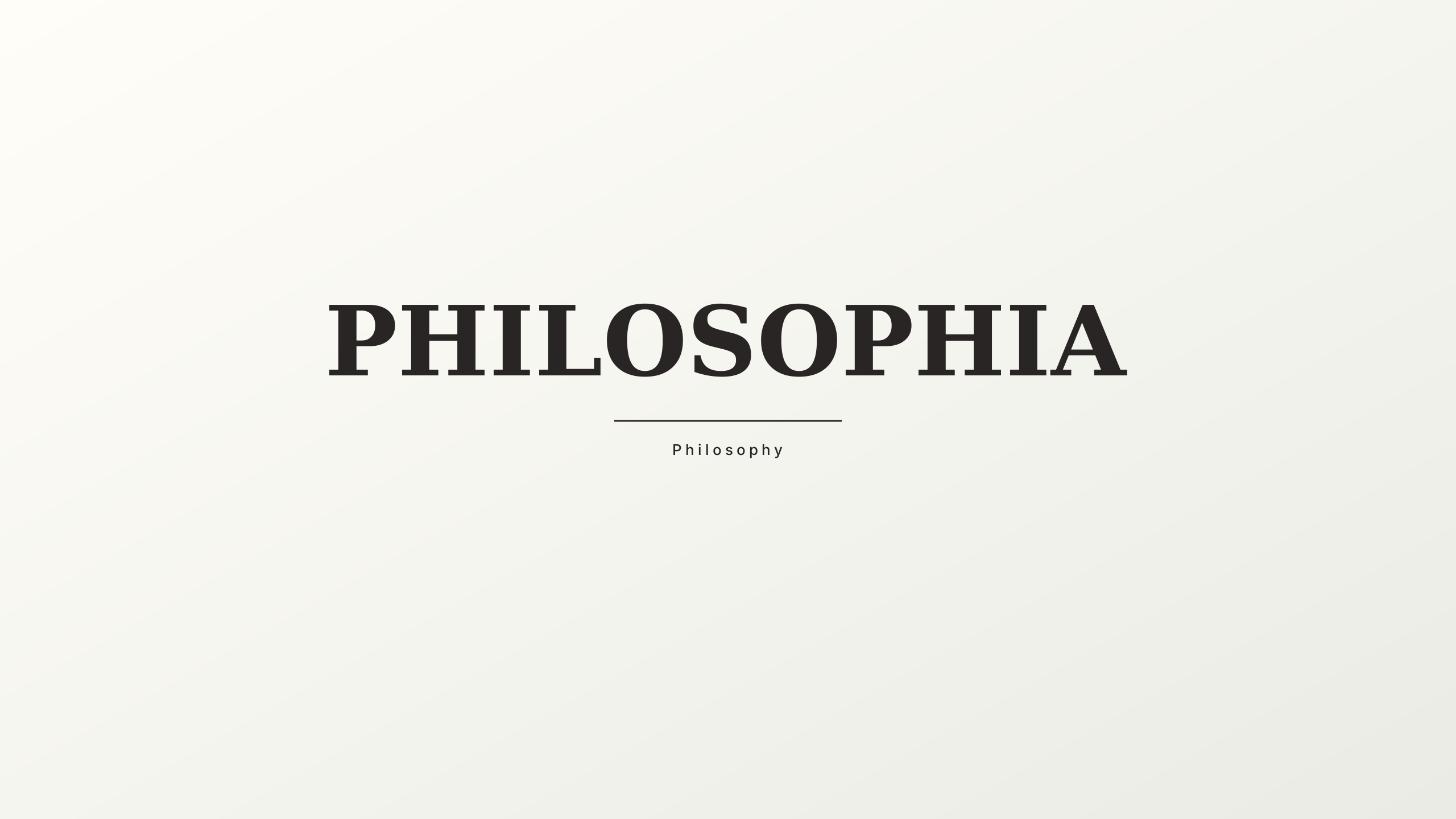
Classical antique stone and ink black for philosophy lectures and literary discussions.
Educational content relies on trust and authority. These scholarly templates feature double-rule borders, clear subject headers, and structured lecture schedules that frame your academic curriculum cleanly on desktop, tablet, and mobile.
Every design in this collection is rendered onto the master 2560 × 1440 px canvas. All editable typography (channel name, tagline, and schedule) is strictly constrained inside the mobile safe area (1546 × 423 px).
Educational and tutorial channels depend on clear subject titles, course schedules, and academic credentials. Keep curriculum topics, university affiliations, and lecture days centered within the safe boundary. Complex formula watermarks or library backdrops can bleed into outer zones, ensuring clean presentation across all screen formats.
Learn more about safe area mathematics in our Safe Area Guide or check exact dimensions in the Banner Sizing Guide.
Open a template in the Banner Maker to update channel names, pick complementary fonts, and export a clean banner ready for upload.
If you already have channel art or custom photography, use the Banner Resizer to check your subject alignment across all four device cutoffs.