
















Skip to content
YT
YouTube Banner Maker
100% Client-Side PrivacyNo Sign-Up or AccountsNo Watermark

Free YouTube Banner Maker That Fits Every Screen

Create or resize your banner and preview exactly how it will appear on mobile, desktop, tablet, and TV. Everything runs in your browser.

Canvas
2560 ร— 1440
Safe Area
1546 ร— 423
File Limit
6 MB
Privacy
Client-only
STUDIO VIEWFINDER60 FPS
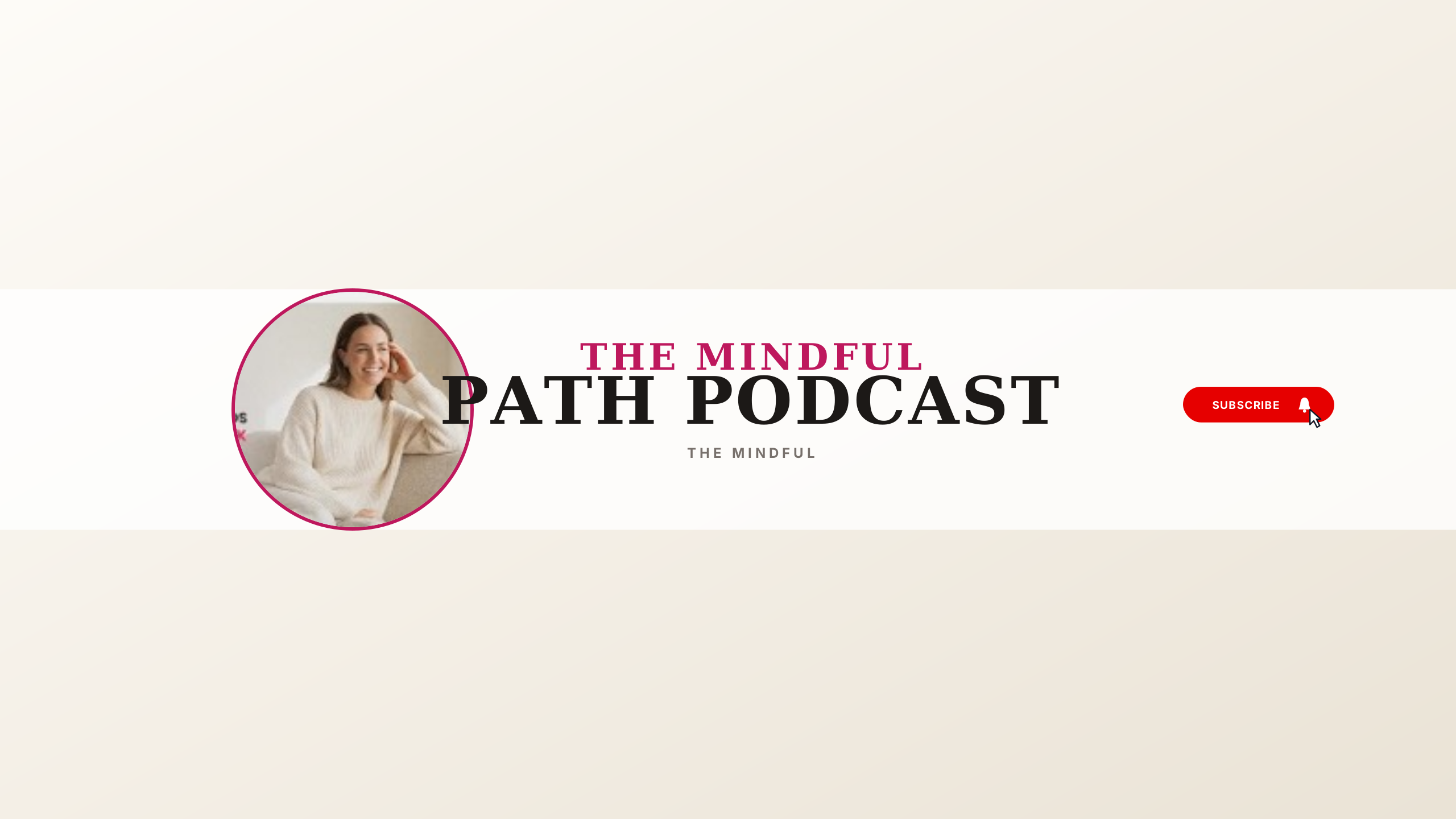
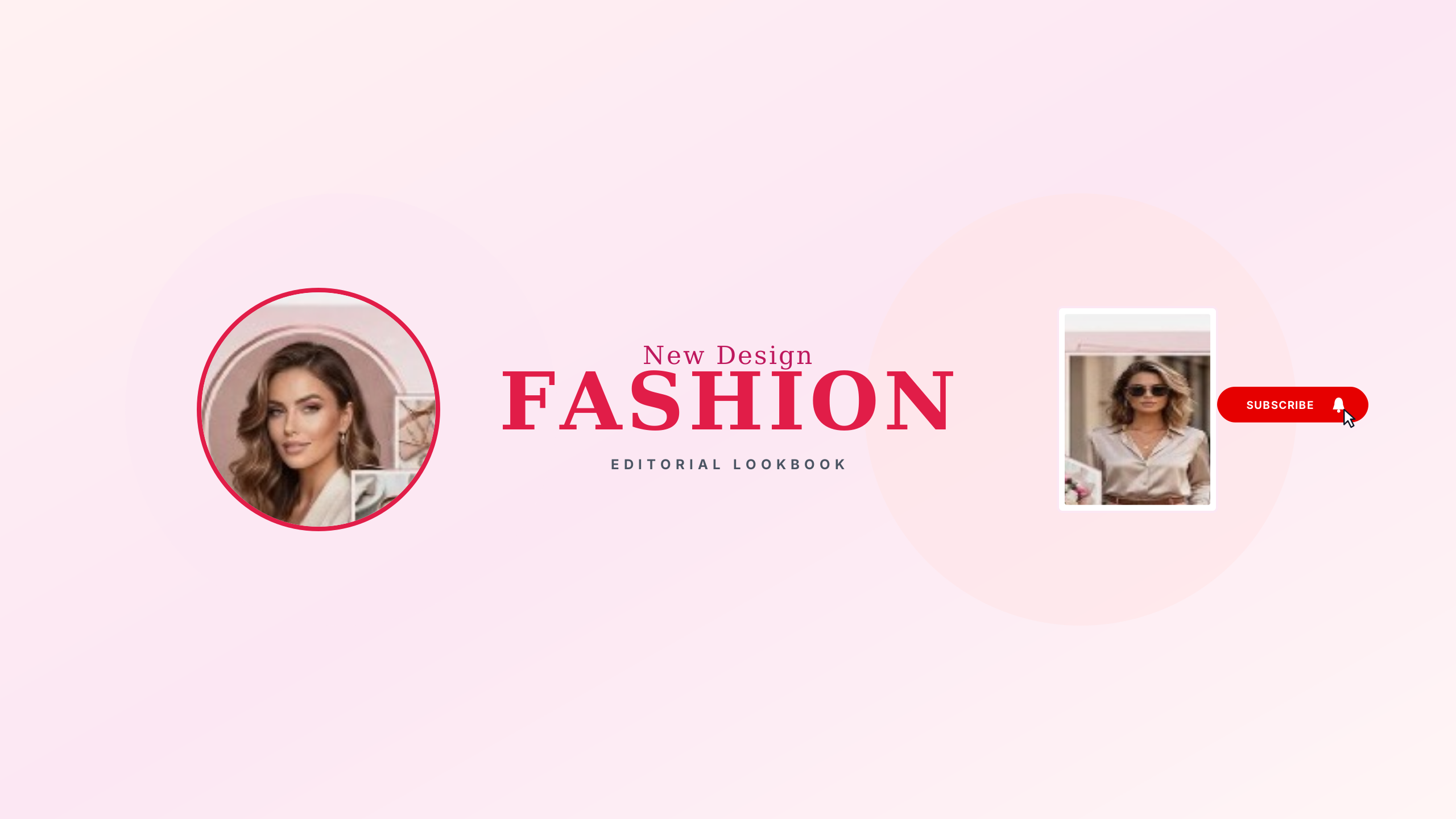
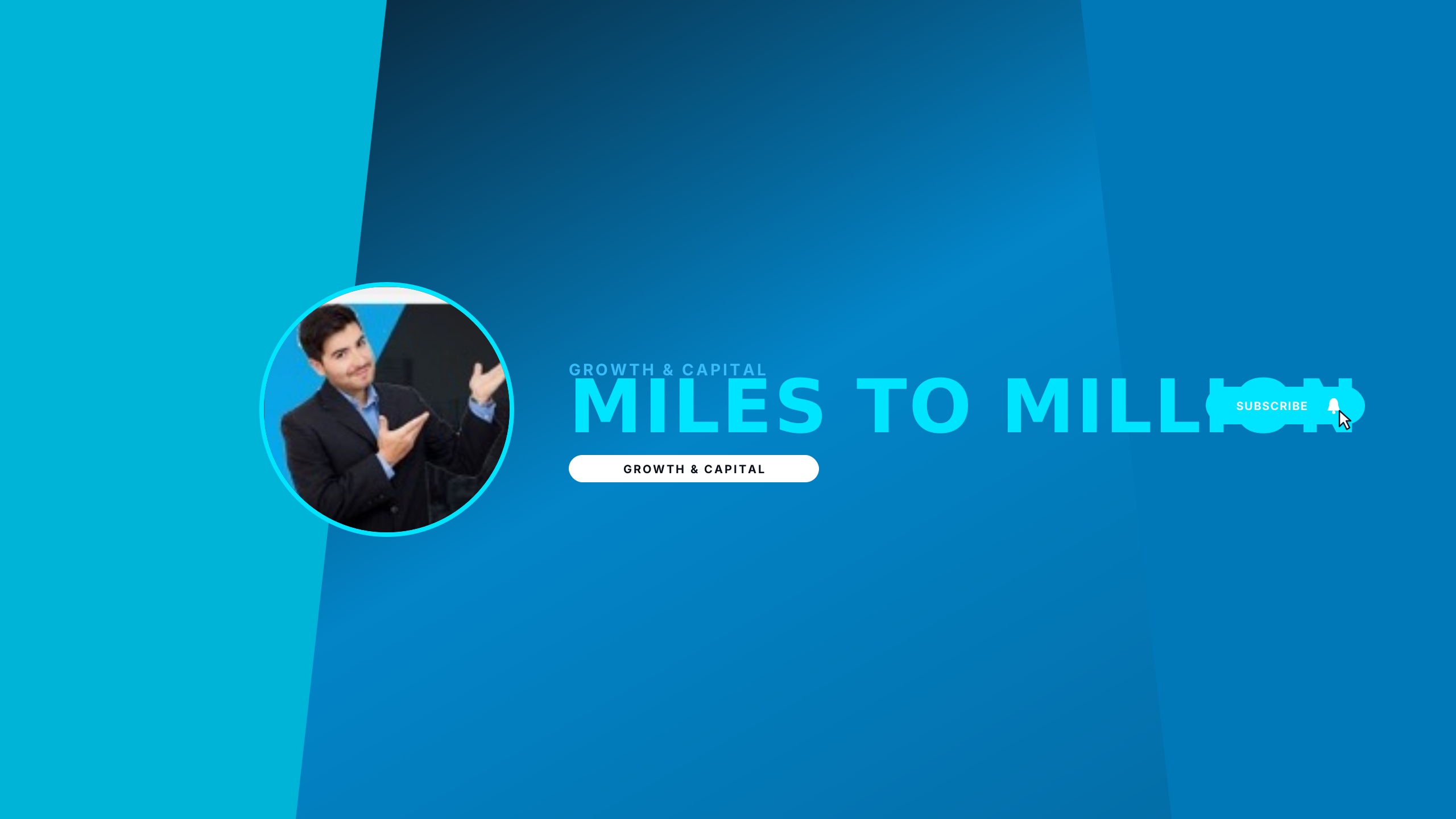
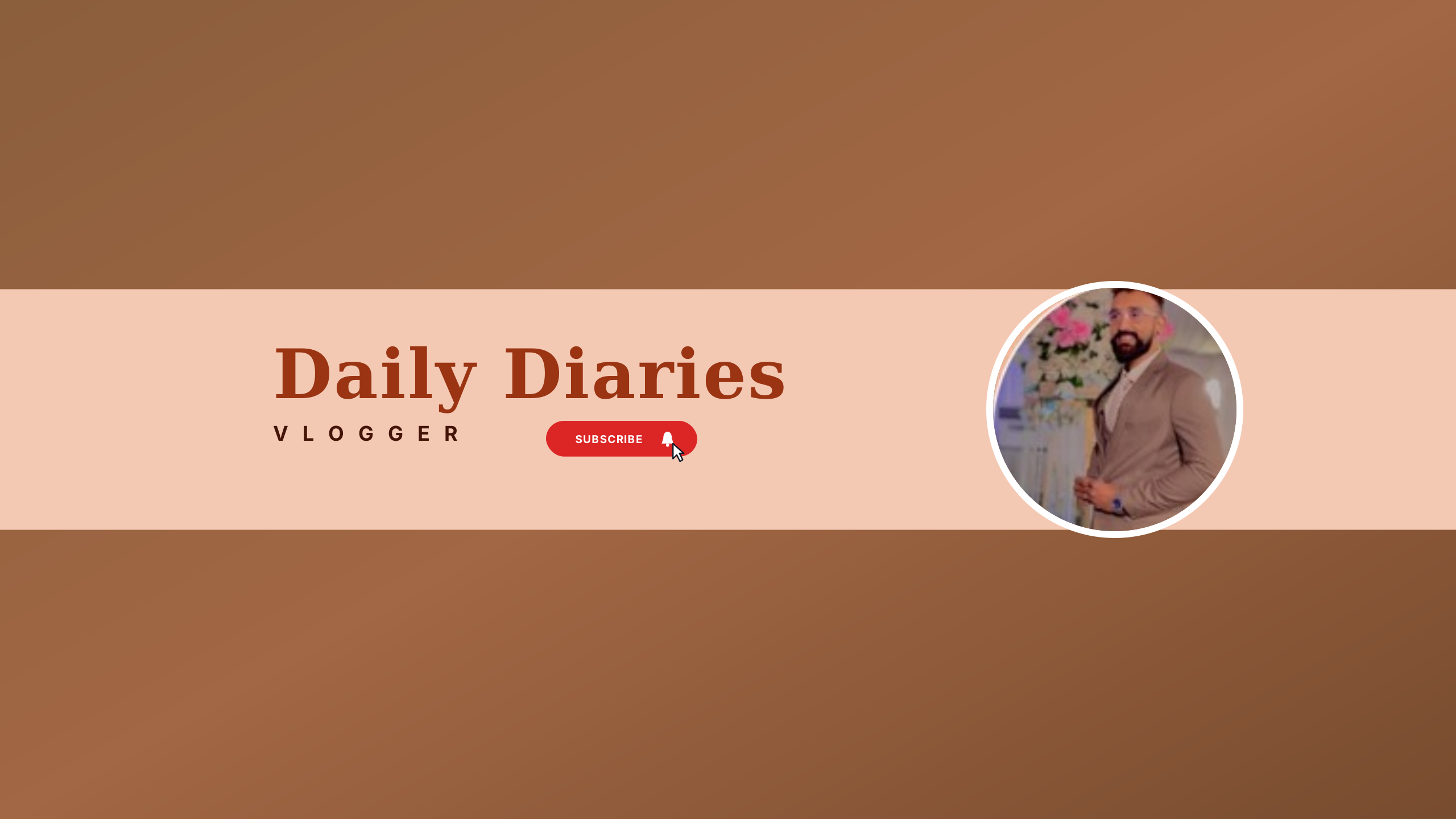
Zero-Cutoff Presets

Start From a Verified Channel Art Preset

Every template is mathematically bounded to the centered mobile safe zone. Choose a design, customize your title and branding in seconds, and export at full 2560 ร— 1440 fidelity.

Explore All 100+ Free Presets
Three Studio Doors

Choose Your Channel Art Door

Whether you have finished artwork that needs resizing, want to check an existing banner for mobile cutoff, or need a fresh mobile-tested design.

Door 01 ยท FixMost Popular

Banner Resizer & Refitter

Upload any existing image and fit it to YouTube's exact dimensions with live per-device preview.

  • Reposition focal subjects safely inside the mobile safe area
  • Toggle instant YouTube CDN re-encode compression preview
  • Inspect mobile, desktop, tablet, and TV crops in real time
Open Banner Resizer
Door 02 ยท CheckInstant Diagnostic

Safe Area Checker

Instant diagnostic safe-area crop verification with actionable plain-language verdicts.

  • Immediate per-device verdict on text and logo positioning
  • Clear warnings if graphics collide with mobile crop boundaries
  • One-click handoff into the resizer to adjust your layout
Launch Safe Area Checker
Door 03 ยท CreateGenerator & Presets

Banner Generator

Start from curated, geometry-safe templates engineered to fit mobile screens.

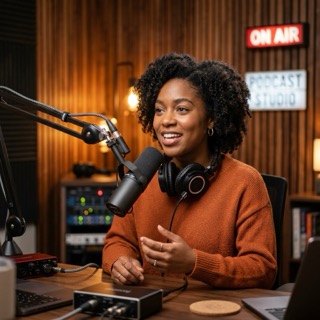
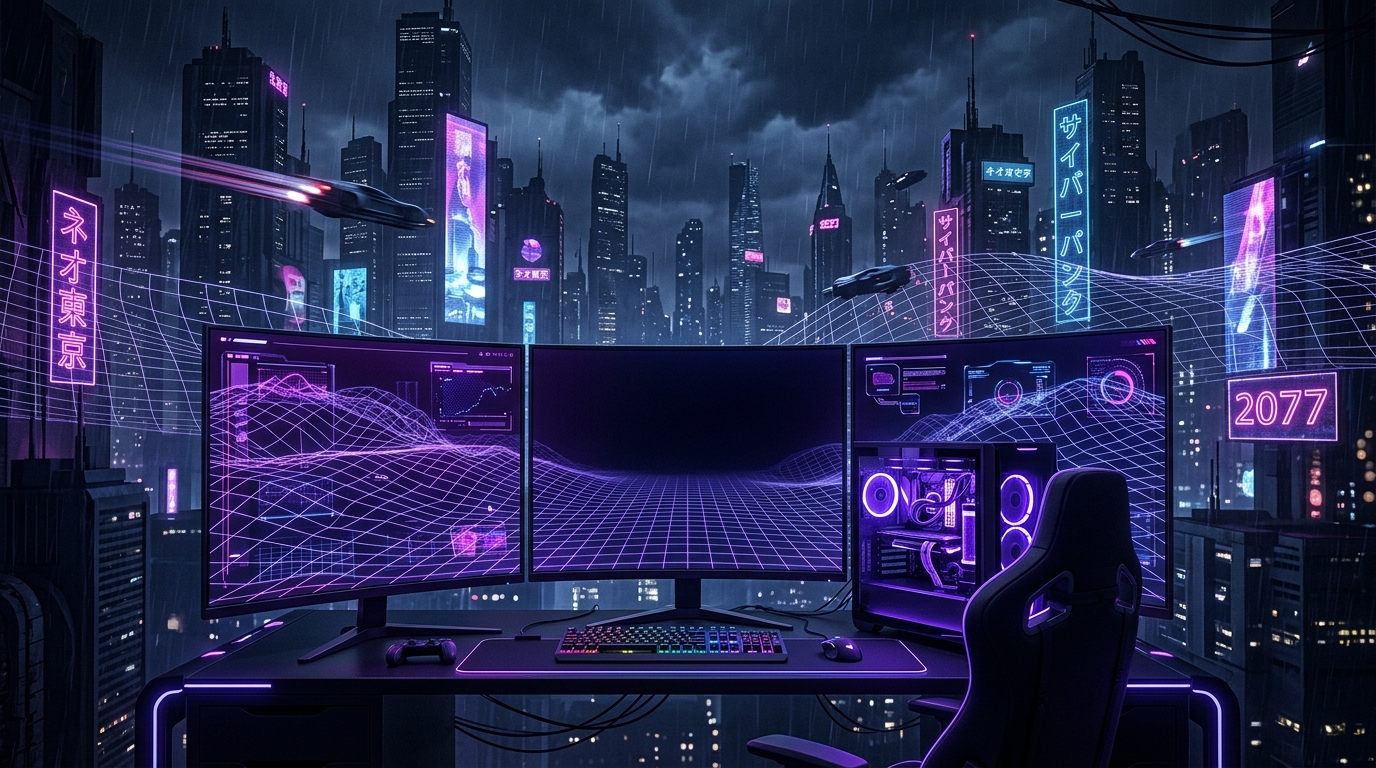
  • Category-specific layouts for gaming, tech, podcasting, and vlogs
  • Typography and logos pre-aligned inside the safe center frame
  • Customizable colors, text layers, and background art

What YouTube Actually Does to Your Banner

YouTube does not scale your channel art down evenly. Instead, it uploads a single 16:9 canvas (2560 ร— 1440 px) and carves out different viewports depending on the viewer's device.

1. TV SCREEN VIEWPORT2560 ร— 1440 px ยท Full 16:9 Canvas2. DESKTOP VIEWPORT2560 ร— 424 px ยท Top & Bottom Cropped3. TABLET VIEWPORT1855 ร— 424 px ยท Scaled Ribbon4. MOBILE SAFE AREA1546 ร— 423 px100% visible across all devices - Keep text, logos & faces here
TV Display

2560 ร— 1440 px

Full 16:9 canvas displayed exclusively on smart TVs and video game consoles.

Desktop Ribbon

2560 ร— 424 px

Wide horizontal strip. The top ~35% and bottom ~35% are cropped off by browser layouts.

Tablet Crop

1855 ร— 424 px

Horizontal ribbon crop centered on the safe zone. Sides are clipped compared to desktop.

Mobile Safe Area

1546 ร— 423 px

Center intersection. Fully visible across all smartphones, tablets, computers, and TVs.

Why YouTube Re-Compresses Every Banner Upload

YouTube automatically compresses every uploaded banner to approximately 134 KB on desktop viewports, and even smaller packages for mobile screens. This automatic re-compression cannot be avoided or bypassed by any export setting or file format.

Because YouTube's compression pipeline optimizes for worldwide bandwidth rather than graphical fidelity, aggressive re-encoding can soften delicate gradients and fine text. Our tools provide an approximate preview of this re-encode step so you can test contrast and readability before uploading to your live channel.

Official Studio Parameters

Official YouTube Banner Dimensions & Limits

The verified parameters enforced by YouTube Studio upload validation and responsive CDN delivery.

Official YouTube Banner Specifications and Dimensions
ParameterSpecification ValueRequirement Details
Recommended Size2560 ร— 1440 pxStandard 16:9 canvas displayed completely on TV displays
Minimum Size2048 ร— 1152 pxLowest upload dimensions accepted by YouTube Studio
Safe Area (Full Canvas)1546 ร— 423 pxEnsures no cutoff on any smartphone or mobile viewport
Safe Area (Min Canvas)1235 ร— 338 pxProportional safe area at the 2048 ร— 1152 minimum upload size
Safe Area Fraction60.3% ร— 29.3%Unified center frame proportion across all canvas resolutions
Maximum File Size6 MBHard limit enforced by YouTube Studio upload validation
Color SpacesRGBStandard web color profile to prevent post-upload hue shifting
Accepted FormatsPNG, JPG, WebP, GIFStatic image uploads only; animated GIFs are not supported

Complete Channel Art Guides

Deep-dive technical guides explaining the mathematics of YouTube banner cropping and responsive safe areas.

Creator Masterclass

How to Make a YouTube Banner: Complete Creator Guide

The step-by-step masterclass on designing channel art that converts. Learn mobile-first safe zone composition, typography contrast defense, and publishing with zero server uploads.

Template Selection

How to Choose the Best YouTube Banner Template

Architectural breakdown of high-performing templates across gaming, tech, podcasts, and business. Learn how to customize fonts, palettes, and layouts without breaking mobile viewports.

Dimension Standards

Complete YouTube Banner Size & Dimension Guide

Comprehensive reference covering recommended dimensions (2560 ร— 1440 px), minimum sizes, maximum upload limits, and the exact viewport fractions served to each viewing device.

Safe Area Arithmetic

Safe Area Math & Crop Reconciliation Guide

The arithmetic reconciling YouTube's two official safe-area numbers. Proves why 1235ร—338 at minimum upload matches 1546ร—423 at full upload as the exact same centered window.

Comprehensive Sizing & Design Manual

The Definitive Guide to YouTube Banner Size, Safe Areas & Channel Art

Everything you need to know about official dimensions, multi-device viewport cropping, aspect ratio math, and crafting high-converting channel banners that never get cut off.

Chapter 01 ยท Dimensions & Specs2560 ร— 1440 px

What Size Is a YouTube Banner? Dimensions & Upload Specifications

If you are asking what size is a youtube banner, the official standard youtube banner size recommended by YouTube Studio is 2560 ร— 1440 pixels with a widescreen 16:9 aspect ratio. YouTube enforces concrete boundaries on every uploaded youtube banner image: your graphic file must have a minimum resolution of 2048 ร— 1152 pixels and a maximum file weight of 6 MB in PNG, JPEG, or non-animated GIF format.

A widespread misconception involves the 1024x576 youtube banner (or 1024 x 576 pixels youtube banner). While 1024 ร— 576 shares the exact mathematical 16:9 aspect ratio, uploading this resolution triggers an immediate rejection inside YouTube Studio. YouTube requires an absolute minimum upload floor of a 2048 x 1152 youtube banner. For the sharpest multi-device presentation, you should always design at the full 2560 ร— 1440 px specification.

YouTube Banner Size for All Devices at a Glance

  • Smart TVs (16:9 Full Canvas): 2560 ร— 1440 px — 100% of the canvas is visible exclusively on television sets and console apps.
  • Desktop Viewport Ribbon: 2560 ร— 424 px — crops off the top and bottom ~35% margins, leaving a panoramic header band.
  • Tablet Viewport: 1855 ร— 424 px — clips side graphics compared to desktop while preserving vertical ribbon height.
  • Mobile Safe Area: 1546 ร— 423 px — the centered core visible across every smartphone, tablet, computer, and TV screen.

Accounting for these responsive youtube banner dimensions is critical because YouTube never scales down your entire canvas for mobile. It carves out specific crops dynamically depending on screen size.

Chapter 02 ยท Safe Area1546 ร— 423 px

The Mobile Safe Area: Why Your YouTube Banner Gets Cut Off

More than 70% of YouTube views originate on mobile devices and tablet apps. The centered 1546 ร— 423 px bounding box represents YouTube's universal safe area. When channel artwork appears cut off, disjointed, or missing vital text on mobile phones, it is almost invariably because logos, names, social media handles, or face portraits were placed outside this safe rectangle.

If you have existing artwork that suffers from mobile truncation, an interactive youtube banner resizer allows you to reposition your focal subject safely into the center, rescale artwork with aspect ratio constraints, and simulate the exact crop across mobile, desktop, tablet, and TV before re-uploading.

When starting from scratch, working with a purpose-built youtube banner creator prevents positioning mistakes by visually locking all typography and crucial branding layers directly inside the safe coordinates.

Chapter 03 ยท Design & AestheticsVisual Hierarchy

How to Make a YouTube Banner: Ideas, Aesthetics & Backgrounds

Discovering how to make a youtube banner that converts casual viewers into lifelong subscribers hinges on clear visual hierarchy, legible typography, and niche-appropriate aesthetics. Consider these proven channel art strategies:

  • Select an Atmospheric YouTube Banner Background: Busy, over-saturated graphics create visual noise that makes text unreadable. Choose a textured youtube banner background — such as dark brushed metal, subtle architectural gradients, or cinematic photo blurs — that establishes mood while keeping foreground titles legible.
  • Black YouTube Banner for Minimalist Authority: A stealth black youtube banner featuring monochrome palettes and high-contrast monospace typography has become the gold standard for developer tools, hardware reviews, cryptocurrency channels, and technical tutorials.
  • Aesthetic YouTube Banner for Lifestyle & Vlogs: Lifestyle, wellness, and photography creators often thrive with an aesthetic youtube banner utilizing warm film grain, organic neutral palettes, and elegant serif headlines framed comfortably within the safe area.
  • Gather Compelling YouTube Banner Ideas: Before designing, study top creators in your niche. The most successful youtube banner ideas communicate three things within two seconds: who you are, what content you produce, and your upload frequency.
  • Start from a Verified YouTube Banner Template: Rather than calculating pixel coordinates manually, selecting a free youtube banner layout or curated youtube banner template ensures that your visual assets remain intact regardless of which device your audience uses.
Chapter 04 ยท Architecture100% Client-Side

Client-Side YouTube Banner Maker: Zero Server Uploads & Complete Privacy

Unlike conventional graphic design platforms that require cloud rendering, compulsory user registrations, watermarked downloads, or recurring subscriptions, YouTubeBannerMaker.com operates as a client-side youtube banner maker built entirely upon modern web standards.

All image decoding, canvas scaling, aspect ratio calculations, typography rendering, and raster exports execute strictly inside your local browser tab via HTML5 Canvas APIs. Zero image bytes are ever transmitted across external networks. Creators retain 100% intellectual property ownership of their artwork, with clean 2560 ร— 1440 px PNG downloads that are free of watermarks and hidden fees.

Chapter 05 ยท YouTube StudioPublishing Guide

Channel Branding Clarifications & Common Queries

Creators searching for banner youtube, banner youtube size, banner youtube maker, or a banner youtube template often run into confusing YouTube Studio nomenclature:

Channel Header vs. Video Watermark: A common search phrase among creators is “sub for a cookie banner youtube”. This query often conflates website cookie consent banners with YouTube Studio's branding elements. Specifically, YouTube provides two distinct branding assets under YouTube Studio > Customization > Branding: the top channel banner (2560 ร— 1440 px) and the small 150 ร— 150 px video watermark button in the lower-right player corner that invites viewers to subscribe. It is important to distinguish this video watermark from your primary channel banner artwork.

Publishing Your Final Banner: Once you export your 2560 ร— 1440 PNG file from our tool, navigate to your channel dashboard, click Customization > Branding, locate the Banner image section, and click Change / Upload. YouTube Studio will display its interactive safe-area grid overlay — and because your artwork was pre-aligned with our tool, your channel art will fit without any awkward cropping.

Frequently Asked Questions

Everything you need to know about YouTube banner dimensions, mobile safe areas, and avoiding cutoff surprises.

Why does my YouTube banner get cut off on mobile phones?
YouTube displays different portions of your banner depending on screen size. While smart TVs display the entire 2560 ร— 1440 px artwork, mobile devices crop away the outer edges and show only the center 1546 ร— 423 px safe area. If your text, logo, or key visual elements sit outside this central zone, they will be clipped on smartphones.
What are the required dimensions and file size limits?
YouTube recommends an upload size of 2560 ร— 1440 px with a 16:9 aspect ratio. The minimum accepted size is 2048 ร— 1152 px. The maximum file size limit is 6 MB. The mobile safe area where all essential elements must remain visible is 1546 ร— 423 px.
Why does YouTube re-compress my banner after upload?
YouTube serves banner images to millions of viewers on varying network connections. To ensure fast load times, YouTube Studio automatically re-encodes uploaded images down to approximately 134 KB for desktop devices and even smaller packages for mobile devices. Using this tool's re-encode simulation allows you to preview that compression before publishing.
How does cover-fit resizing prevent image distortion?
Unlike simple stretching tools that squish or elongate your image to fit a 16:9 ratio, cover-fit scaling preserves your image's native aspect ratio. It scales your image to completely cover the 2560 ร— 1440 canvas without letterboxing, and lets you pan and nudge your subject safely into the mobile safe area without creating transparent borders.
Why is this tool free with no account and no watermark?
This tool runs 100% in your browser using HTML5 Canvas. Because processing happens locally on your device, there are no server compute or cloud storage costs required to process your image. We believe creators deserve reliable, honest tools without artificial paywalls or watermarks.