
DRAFT · 16:9
podcastSafe-area verified
Comedy Spotlight
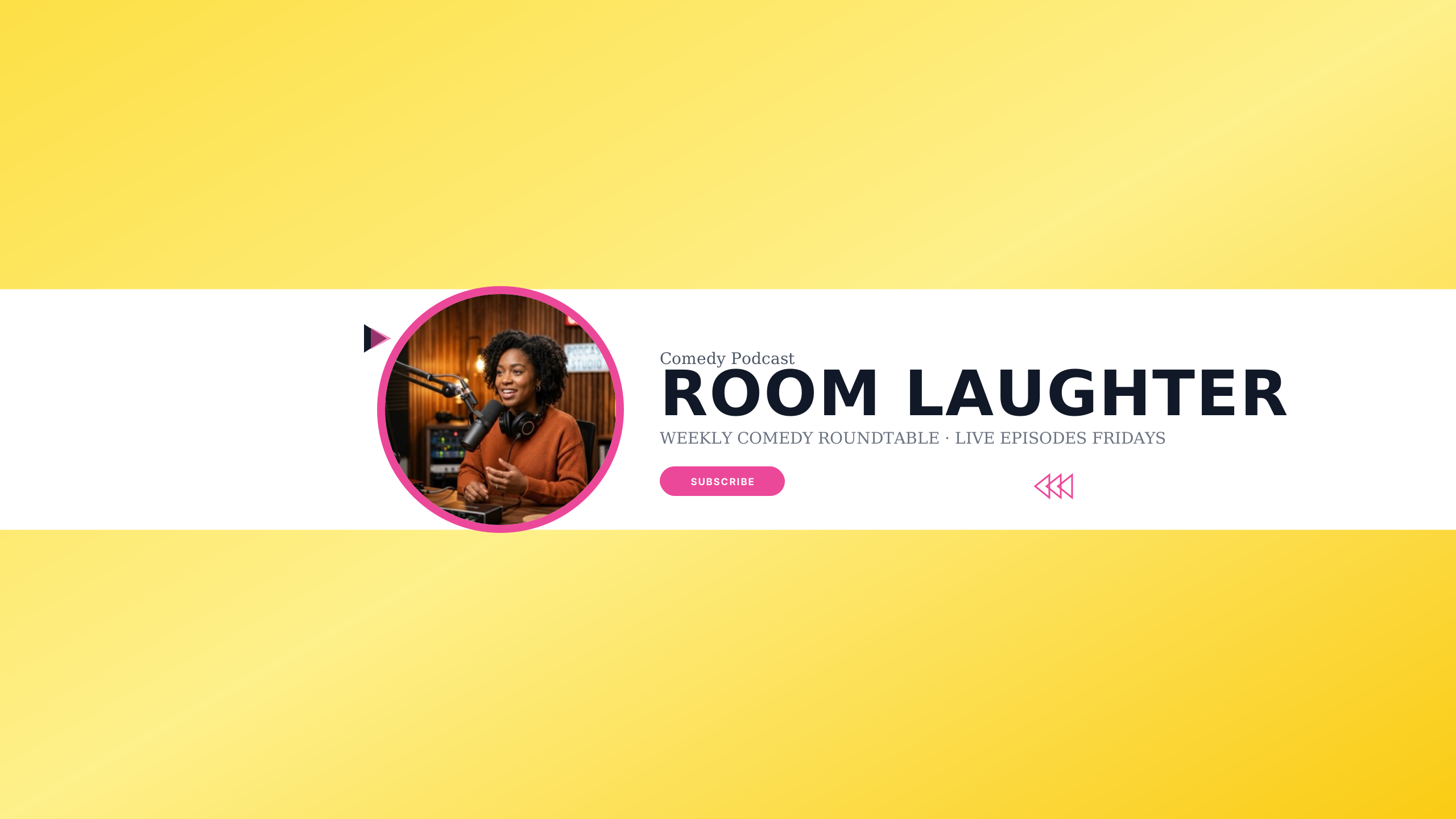
Vibrant sunburst yellow and dark plum for stand-up comics and improv podcasts.
Editable:TitleTaglineAvatarGradient
Crafted for video podcasters, interview series, and roundtable shows. High-contrast typography emphasizes your show title, co-host names, and episode release cadence in the central safe zone, ensuring your banner looks authoritative whether viewed on a 4K TV or mobile app.
Select a design to open the Banner Maker with preset typography and safe boundaries.
Vibrant sunburst yellow and dark plum for stand-up comics and improv podcasts.
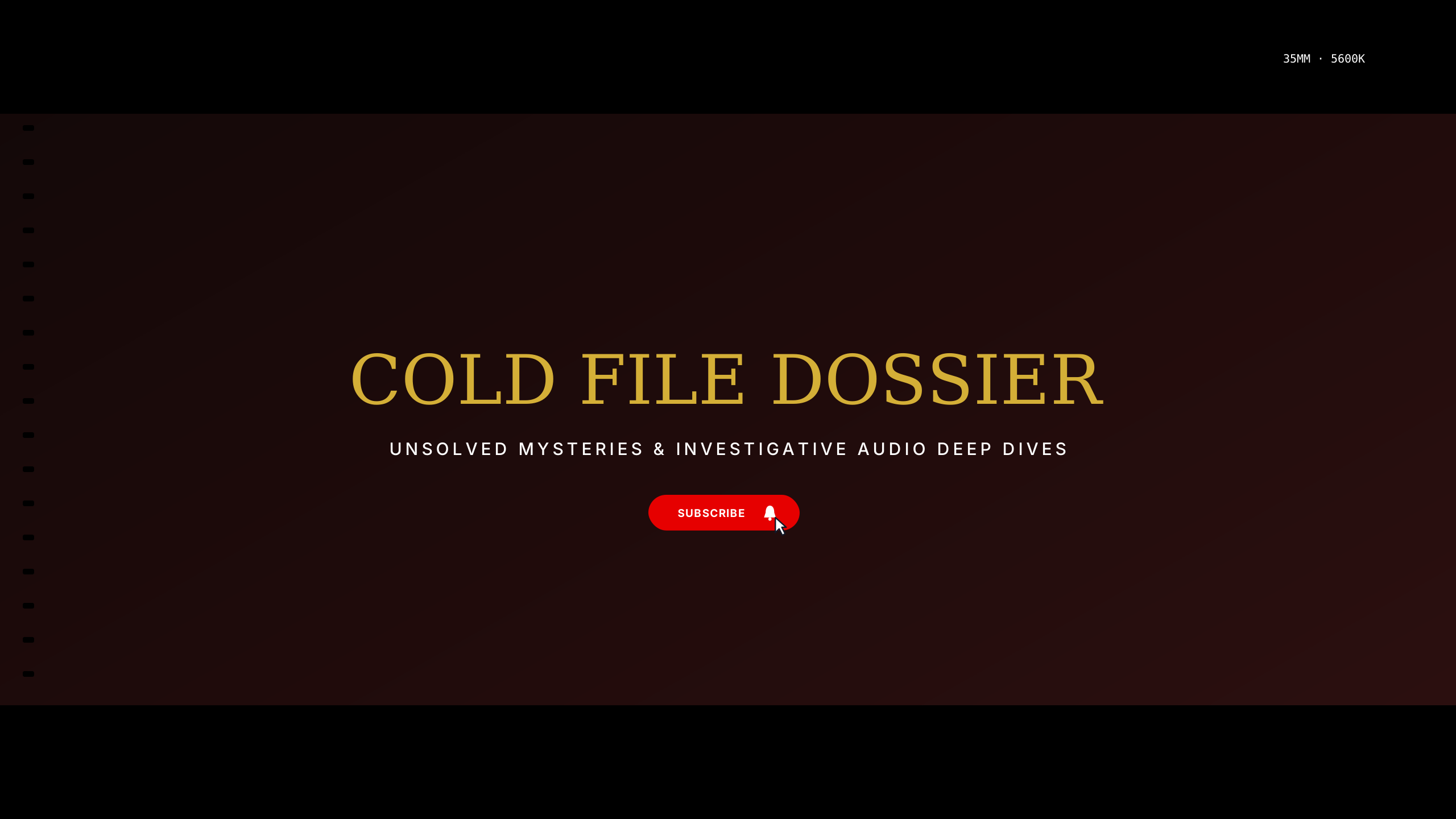
Chilling forensic red and shadow black for investigative journalism and cold cases.
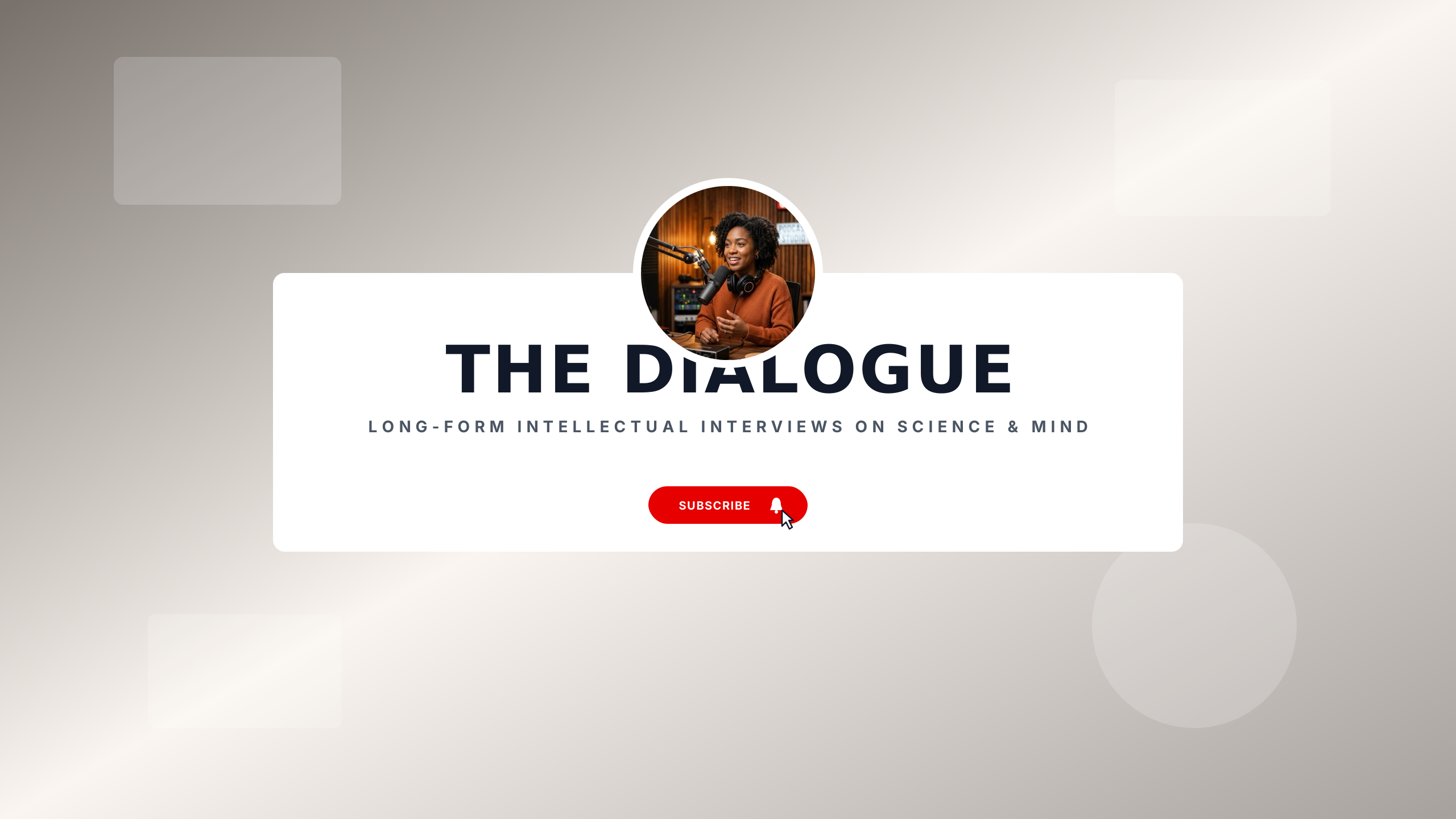
Muted terracotta and warm basalt for long-form intellectual discussions.
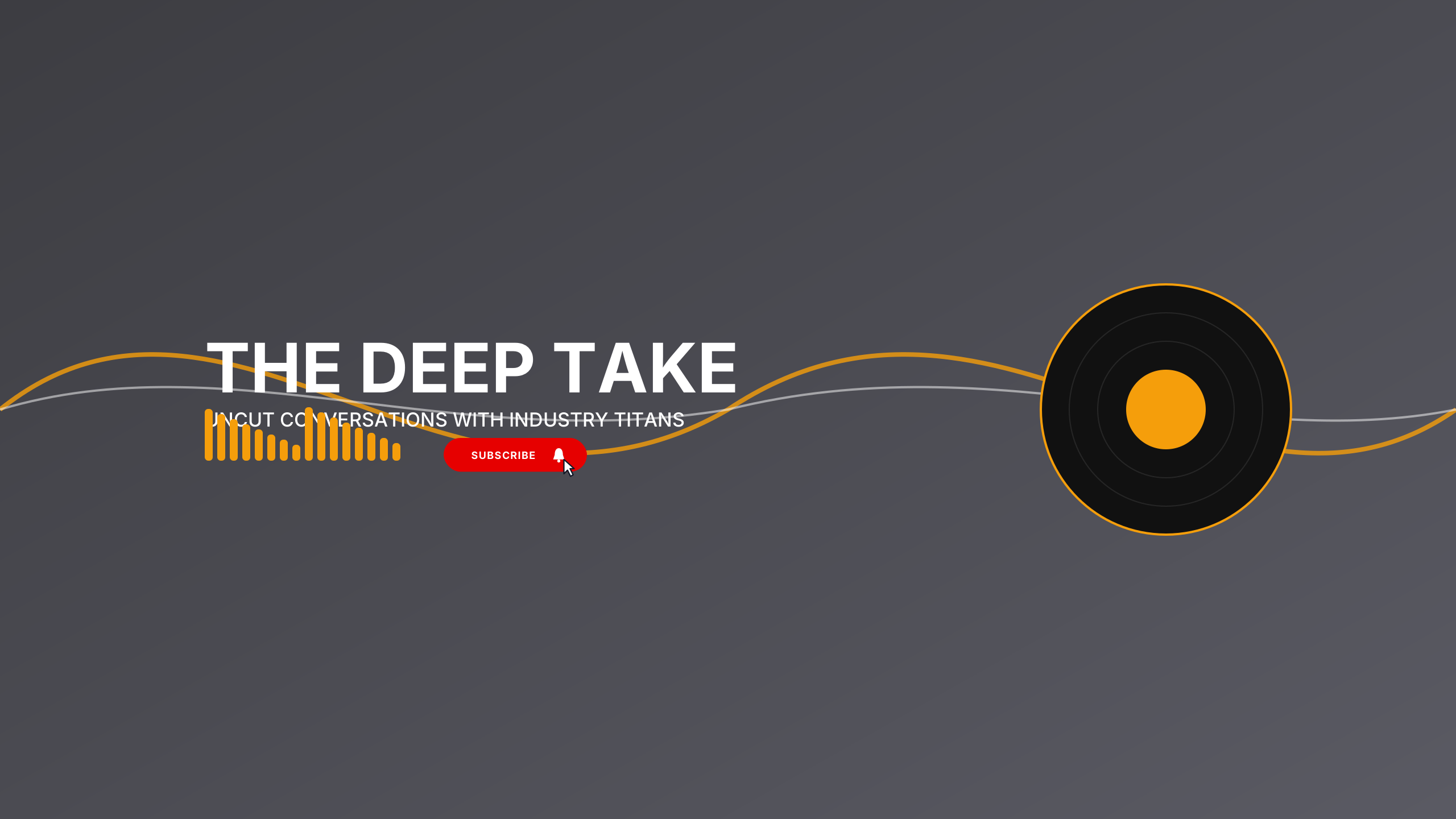
Warm amber and deep charcoal with studio acoustic wood ribbing elements.
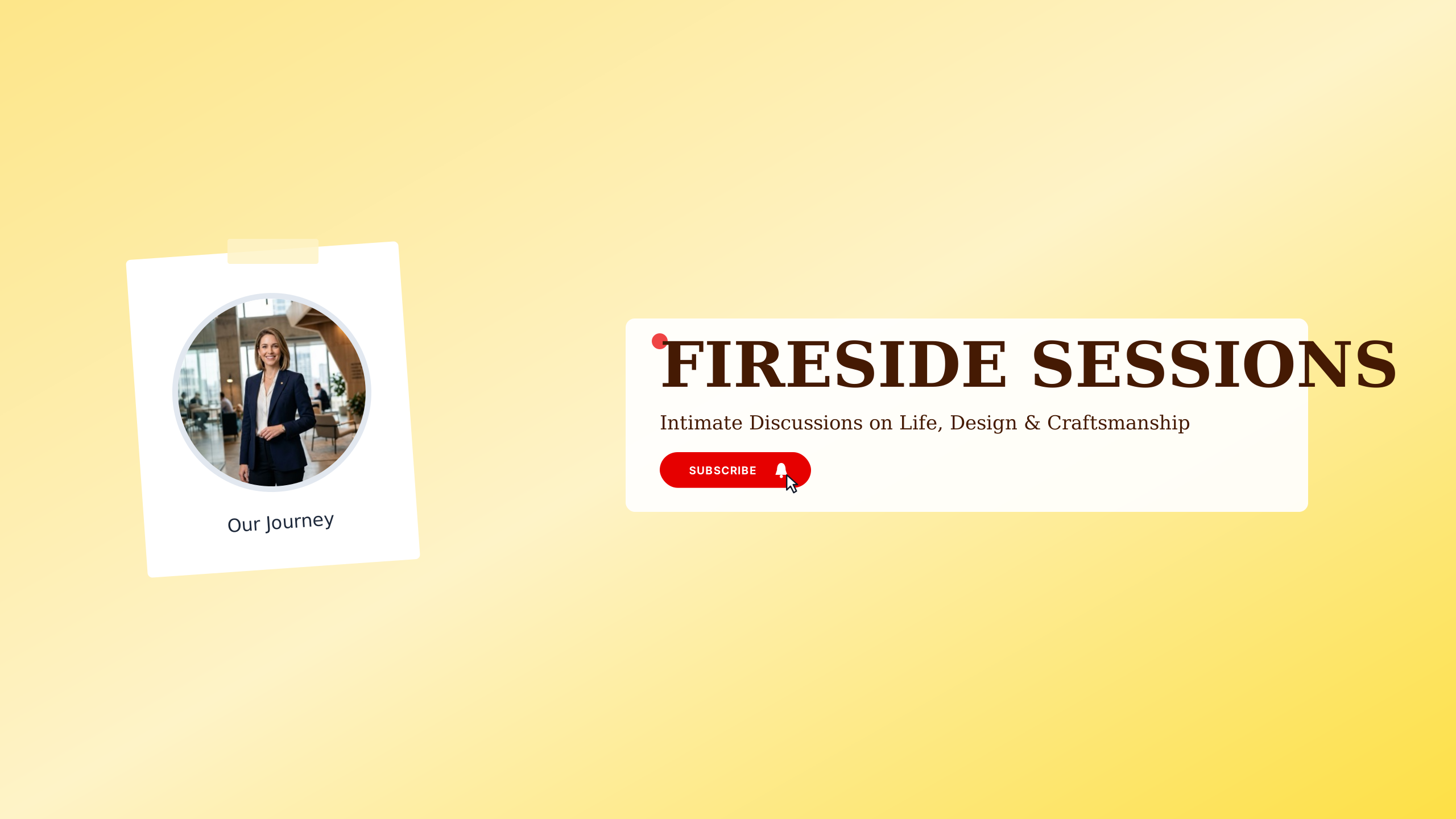
Warm ember tones and rich walnut for intimate founder and craft chats.
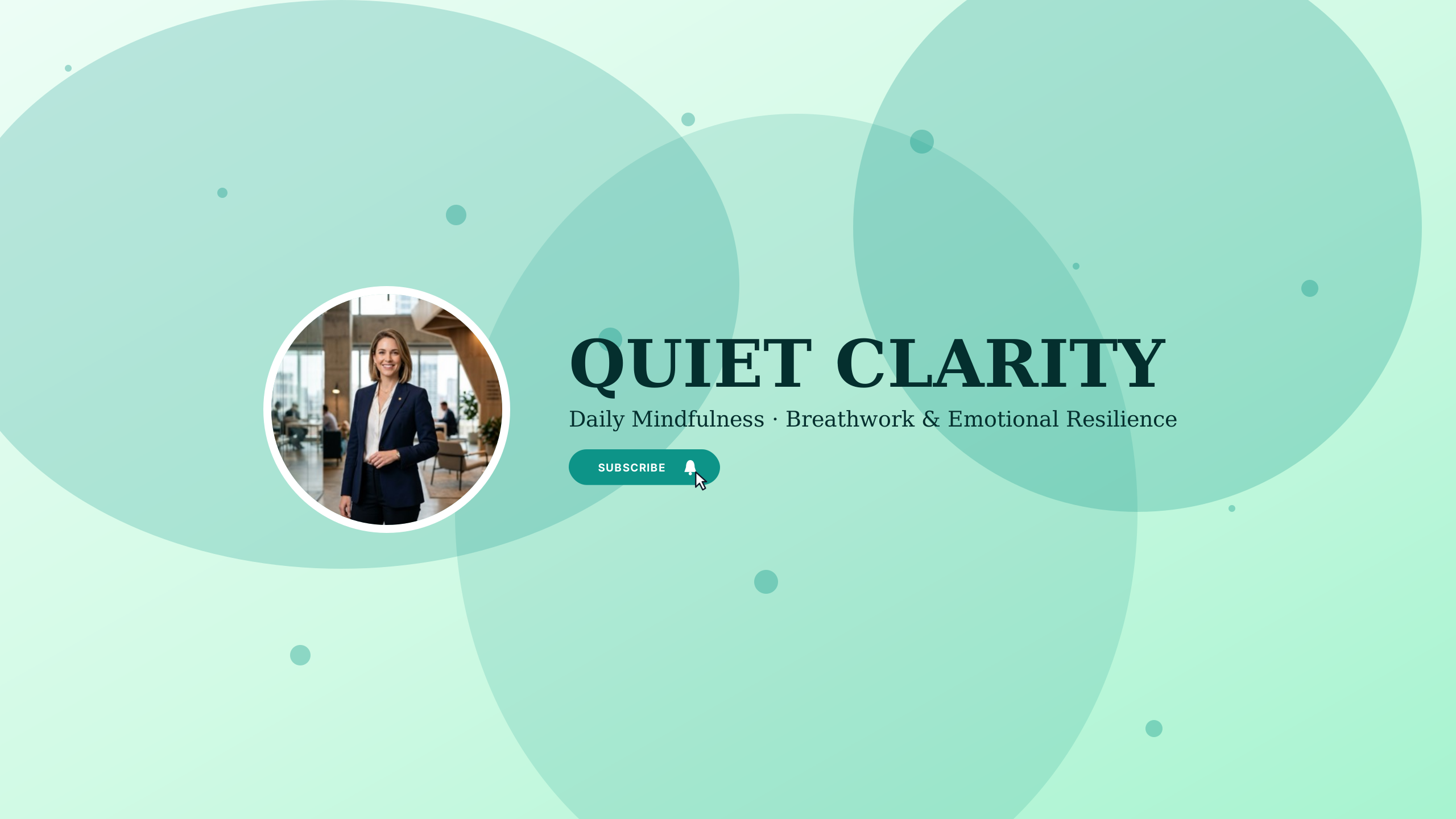
Serene sage green and soft stone for wellness talks and meditation podcasts.
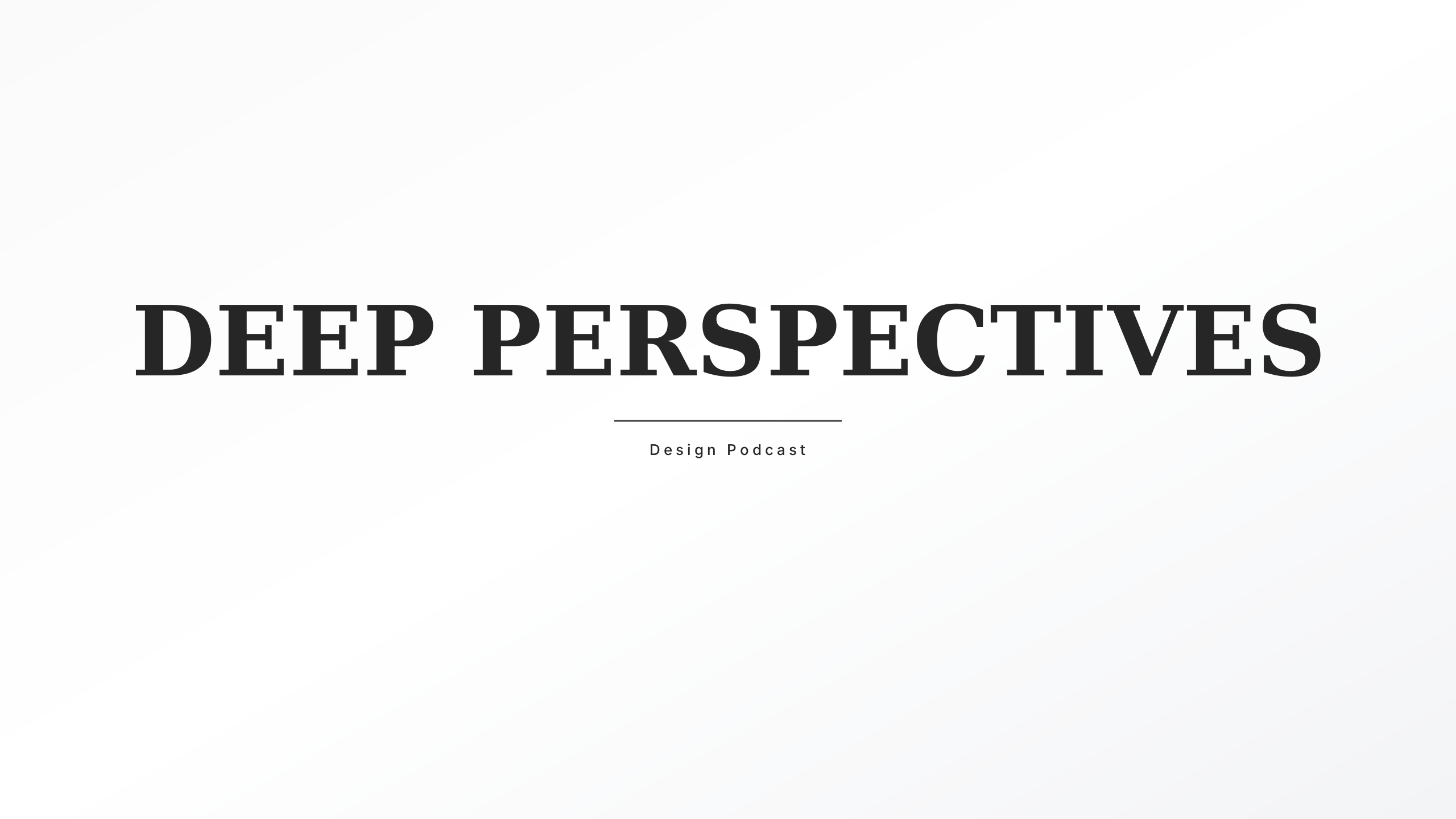
Left-aligned editorial layout for intellectual long-form dialogues.
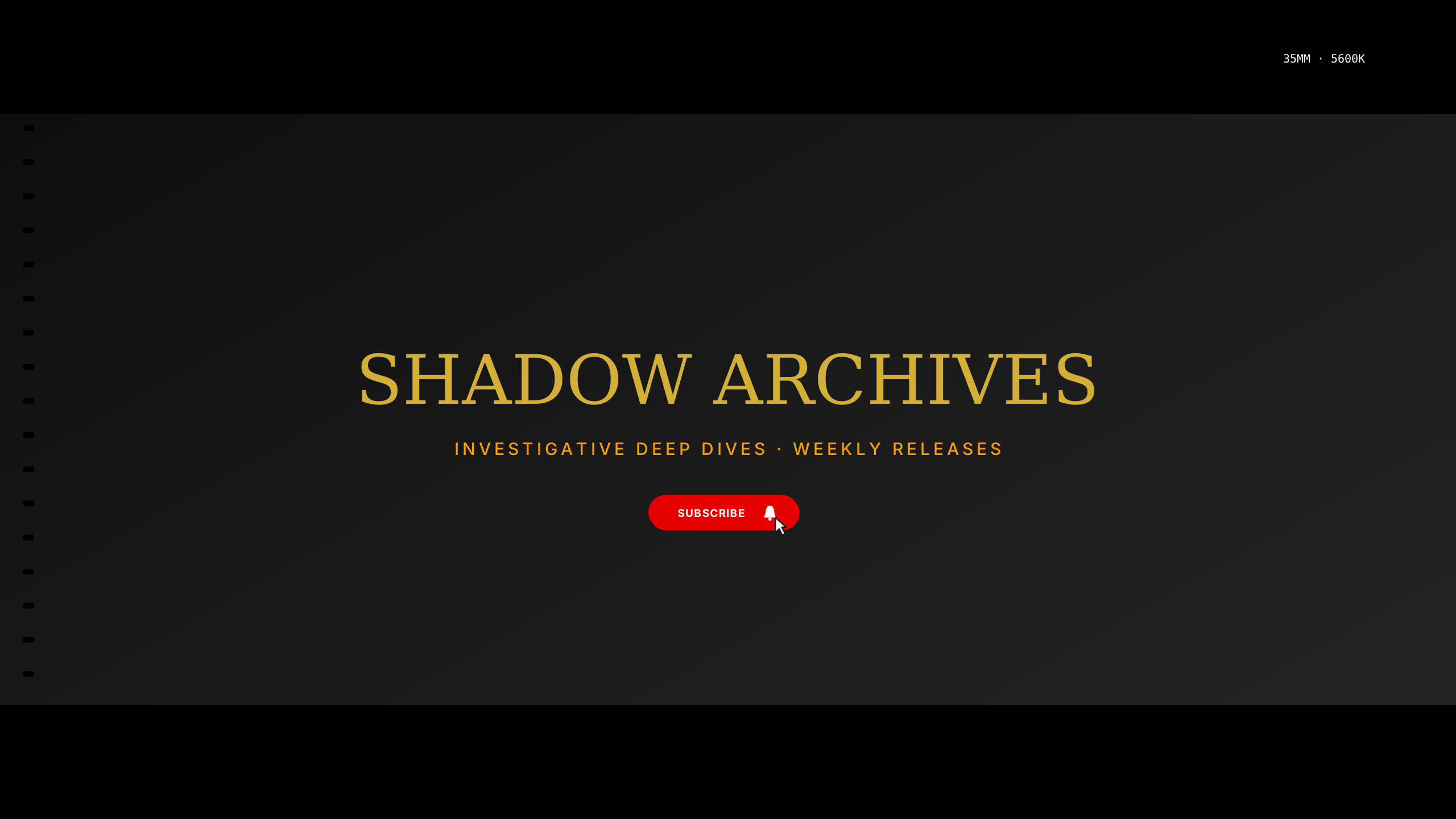
Stacked tall typography with host avatar slot and vertical divider.
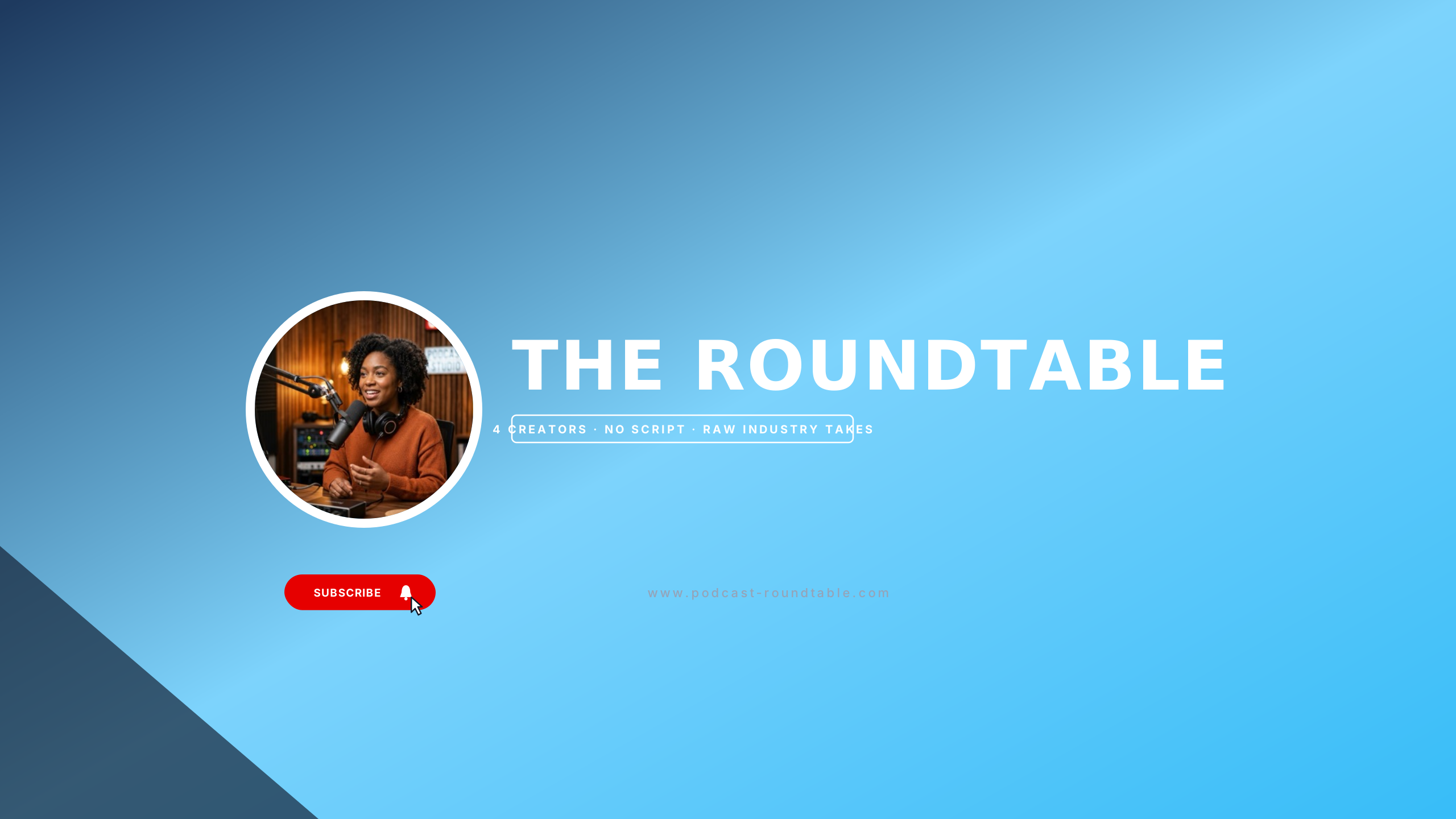
Warm copper and midnight navy for creative collectives and panel podcasts.
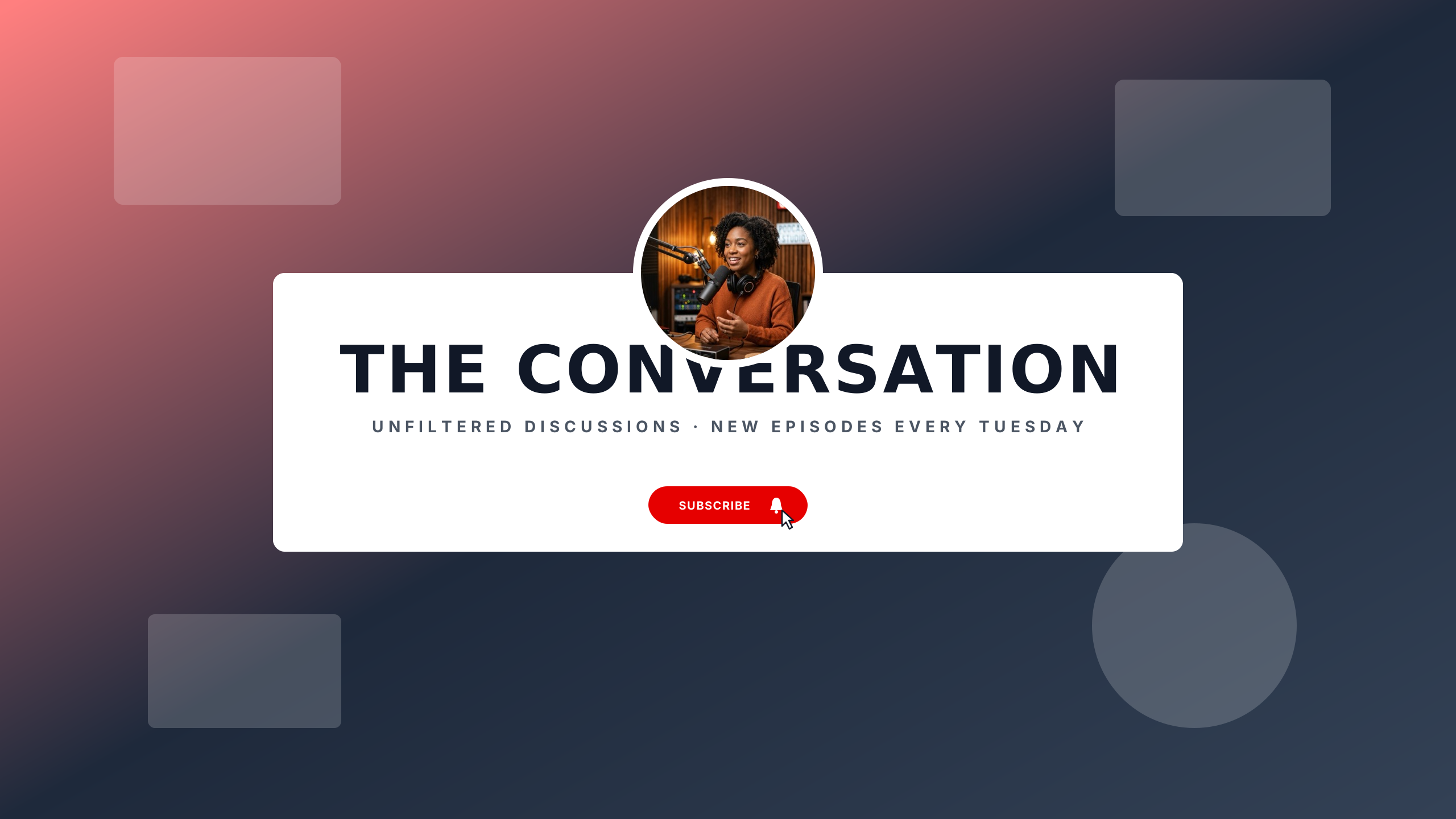
Deep audio booth aesthetic with crisp centered typography.
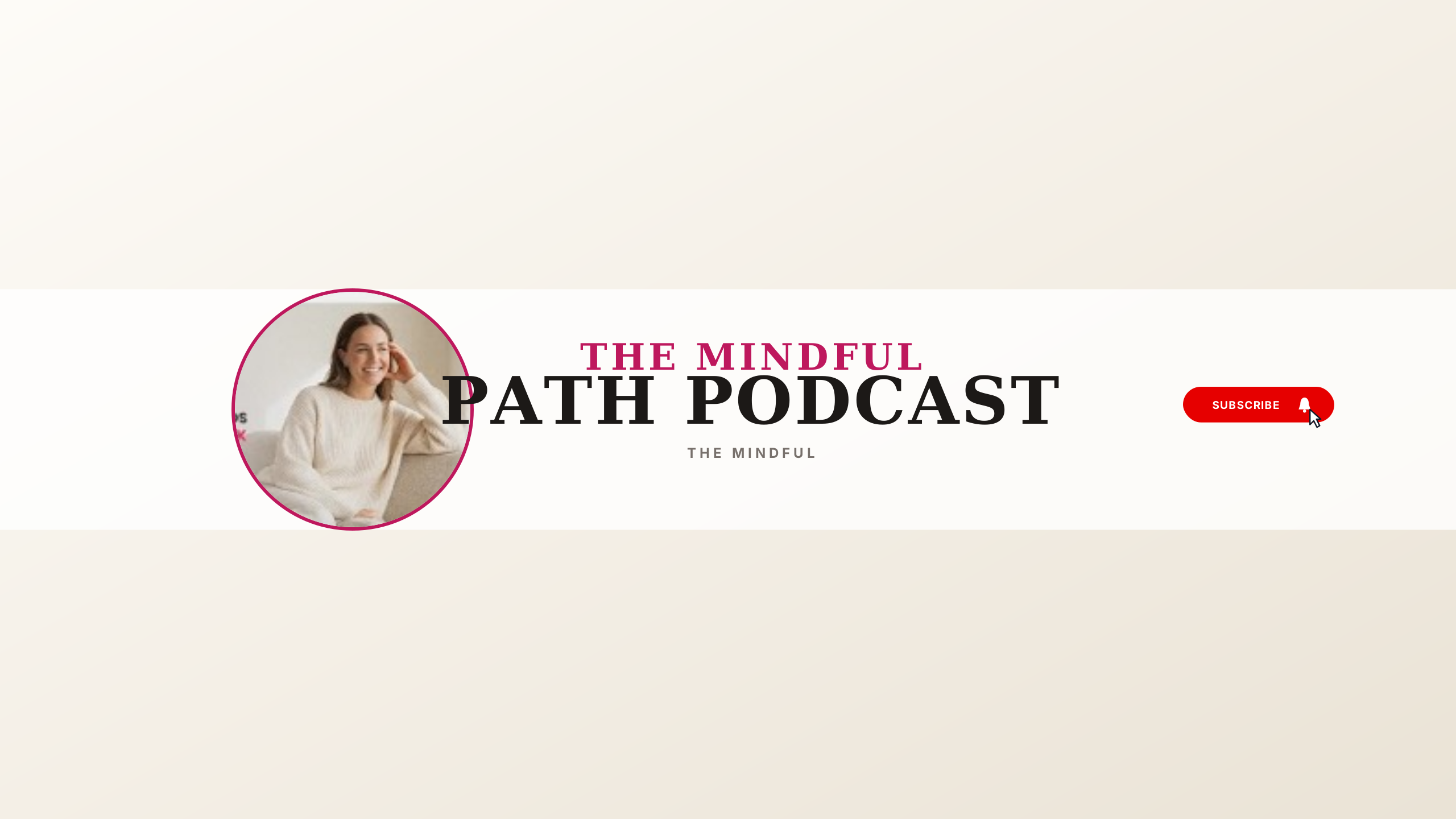
Tranquil oatmeal studio palette with elegant editorial serif typography, creator sofa portrait, and clean conversations tag.
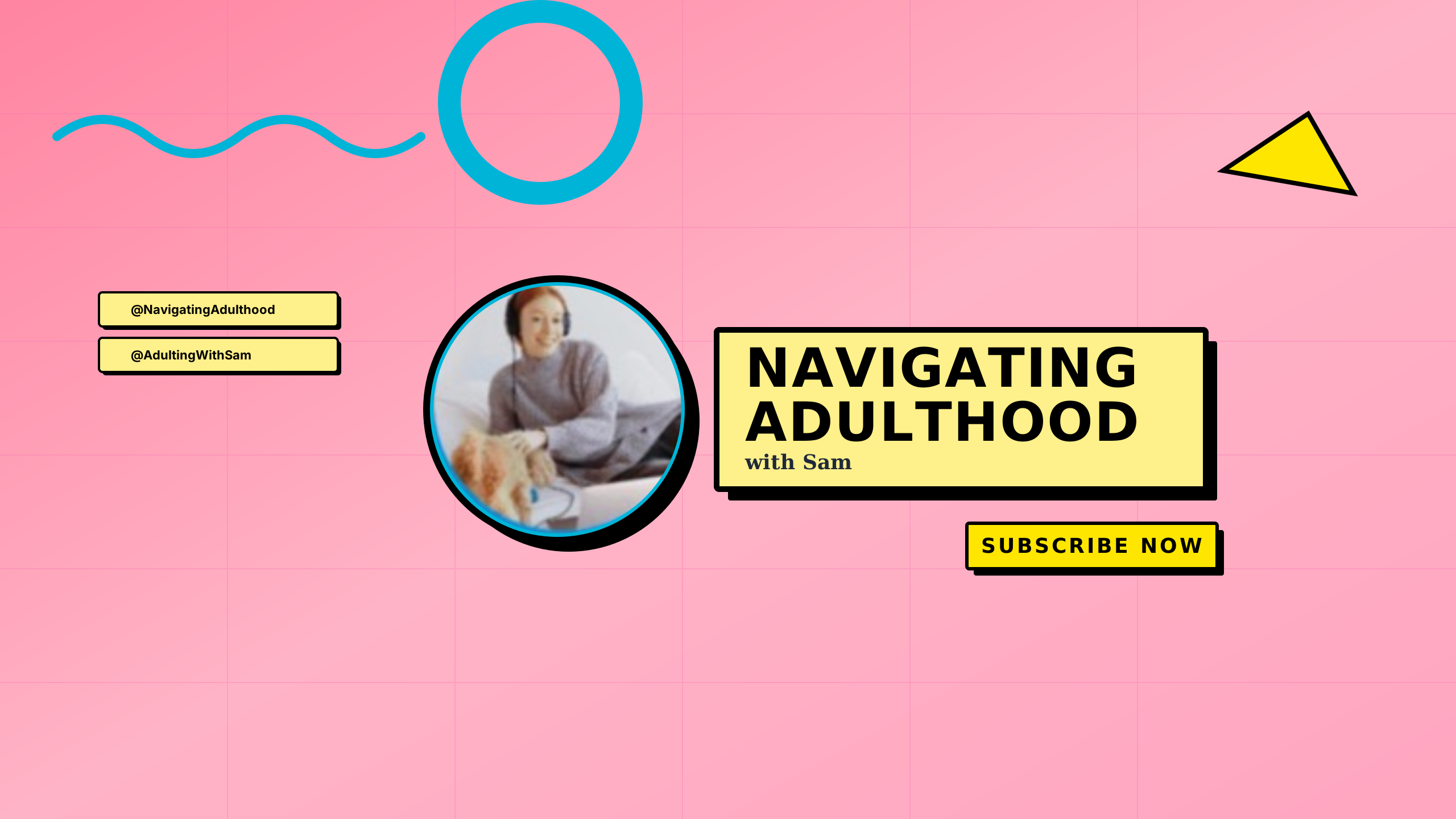
Playful 90s Memphis revival featuring pastel pink grid, yellow comic banner box, black 3D shadows, and headphone avatar.
Video podcasts need immediate brand recognition and clear release schedules. These studio-tested layouts provide balanced focal points for show names, episode frequency, and audio network syndication badges without risking crop cutoff on narrower screens.
Every design in this collection is rendered onto the master 2560 × 1440 px canvas. All editable typography (channel name, tagline, and schedule) is strictly constrained inside the mobile safe area (1546 × 423 px).
Podcast banners require immediate host identification and syndication awareness. Keep host monikers, co-host names, episode drop days, and network badges centered in the safe area so mobile listeners instantly recognize the show. High-resolution studio mic photography or acoustic panel patterns can bleed out to the full 16:9 canvas for a polished smart TV appearance.
Learn more about safe area mathematics in our Safe Area Guide or check exact dimensions in the Banner Sizing Guide.
Open a template in the Banner Maker to update channel names, pick complementary fonts, and export a clean banner ready for upload.
If you already have channel art or custom photography, use the Banner Resizer to check your subject alignment across all four device cutoffs.